Experiment · Article 01
Five images in.
One style prompt out.
Turn a handful of reference images into a style you can use again and again. We tested eight ways to extract a prompt, tried new subjects, and found what held up—and what broke. Here’s the method, the results and the prompts to try yourself.
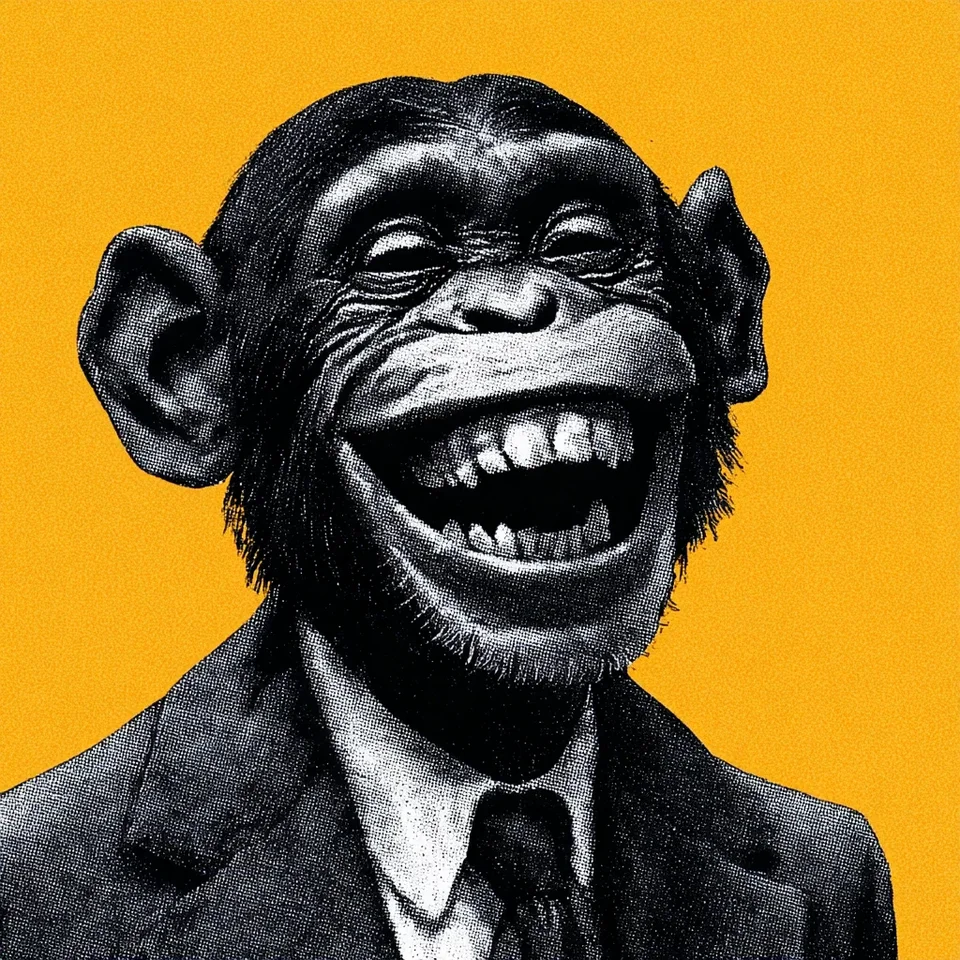 Reference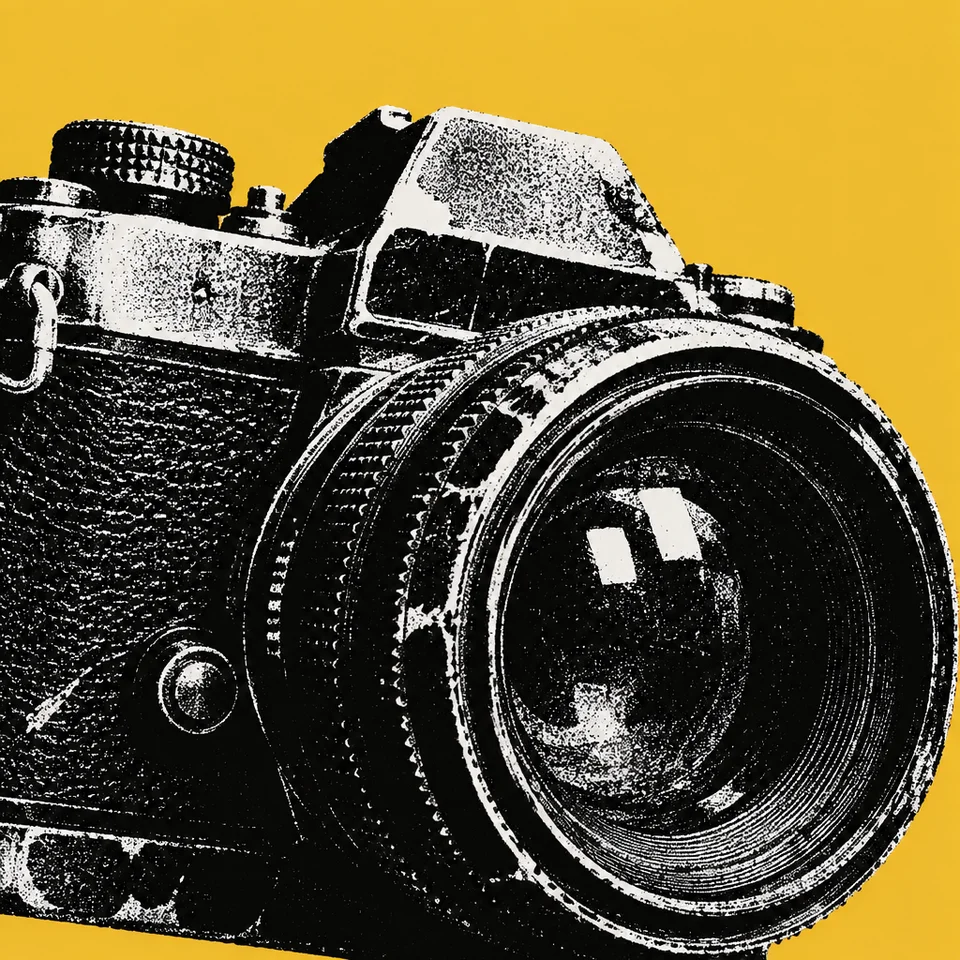
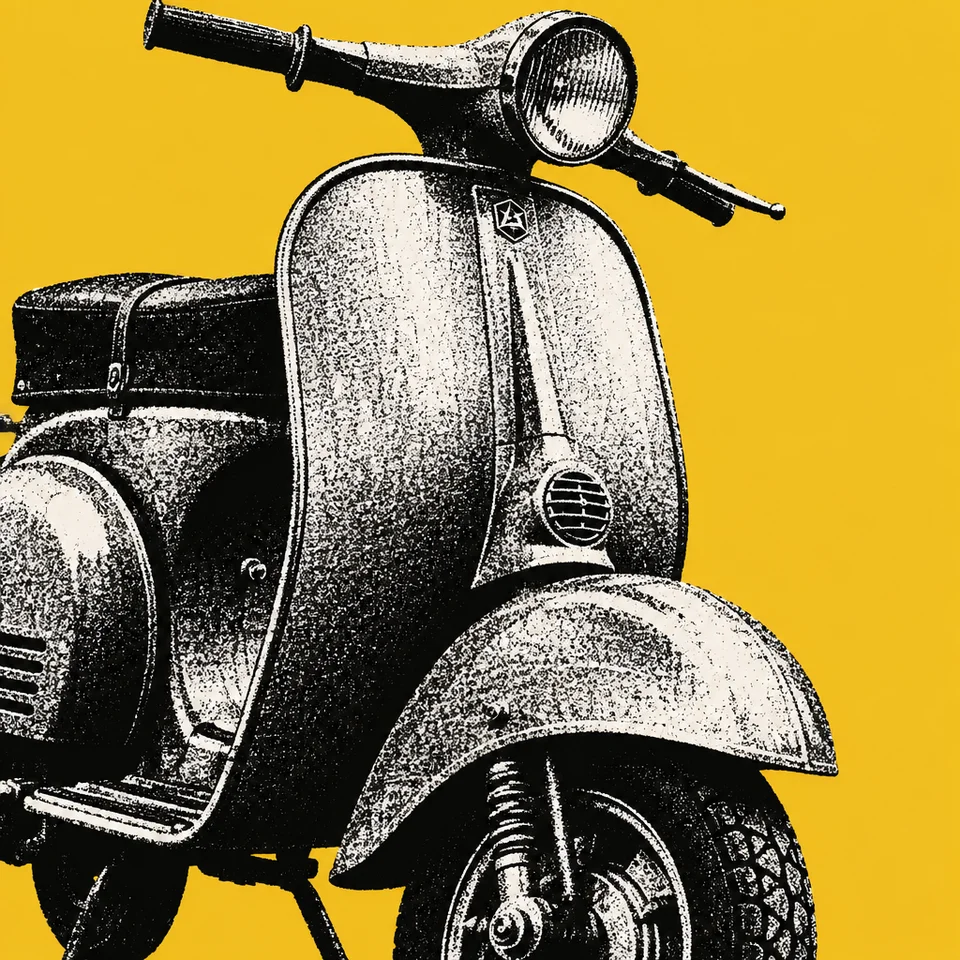
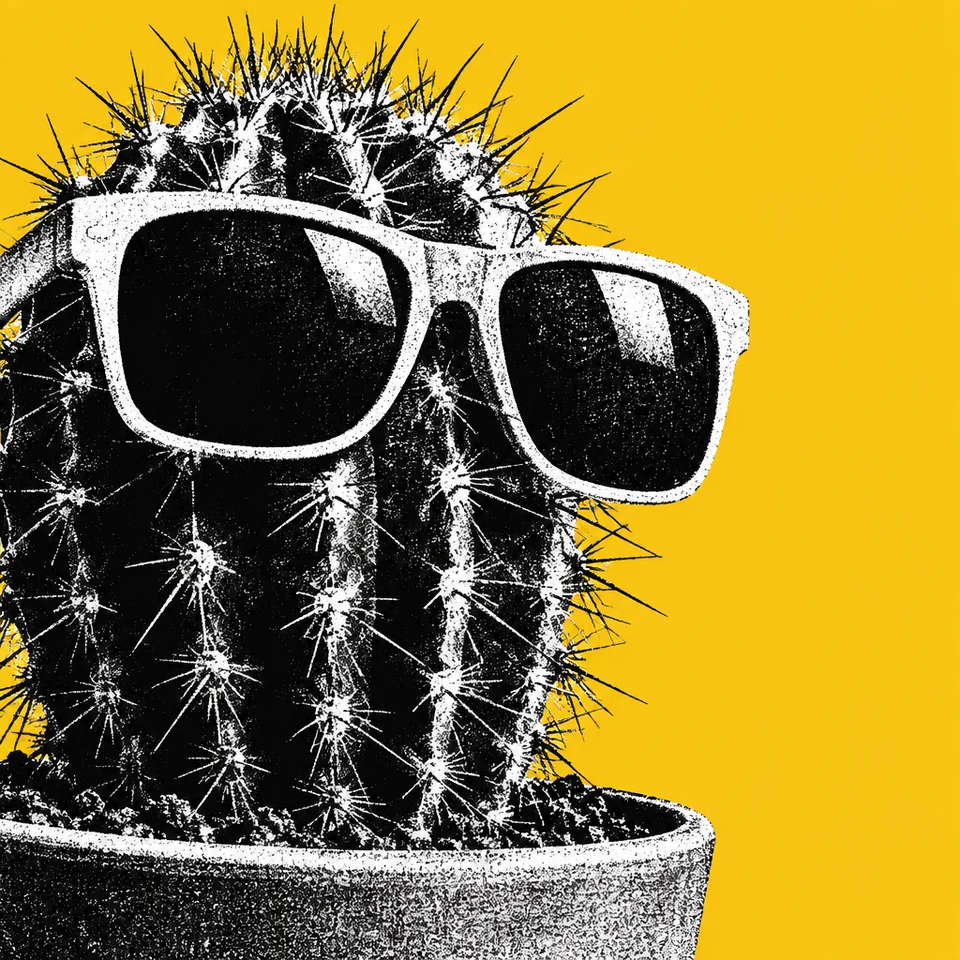
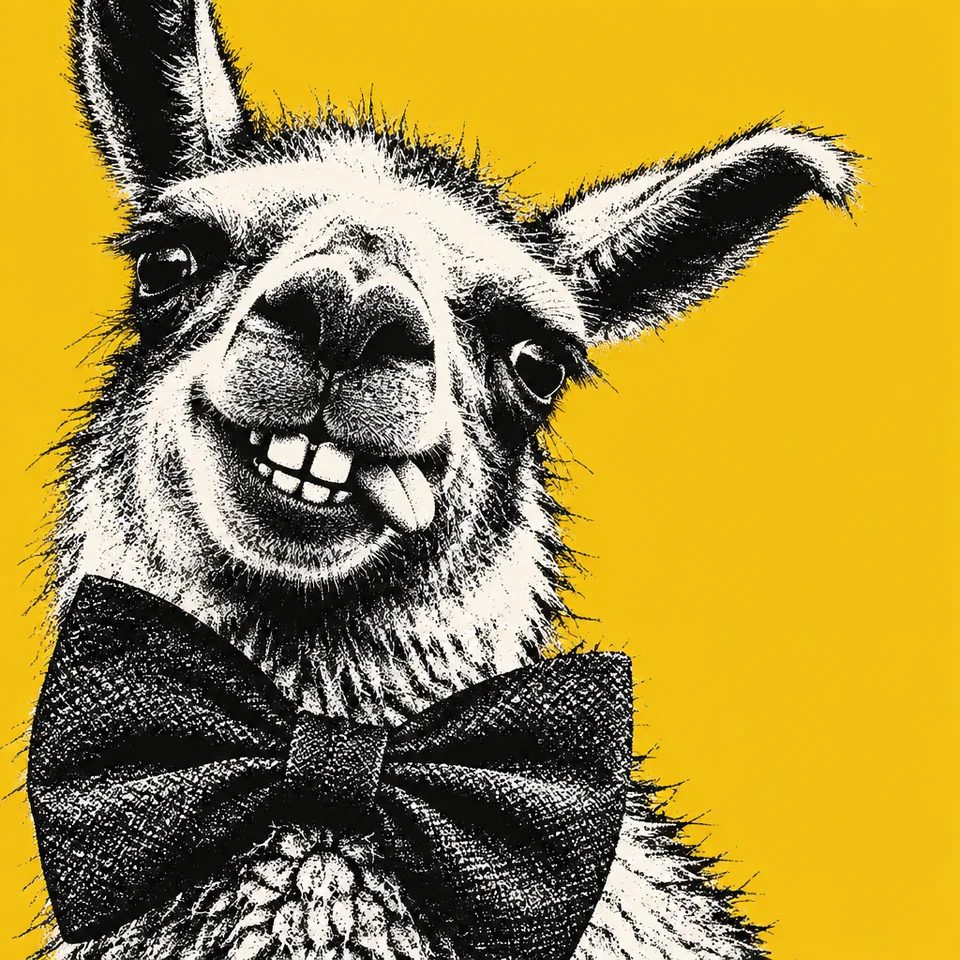
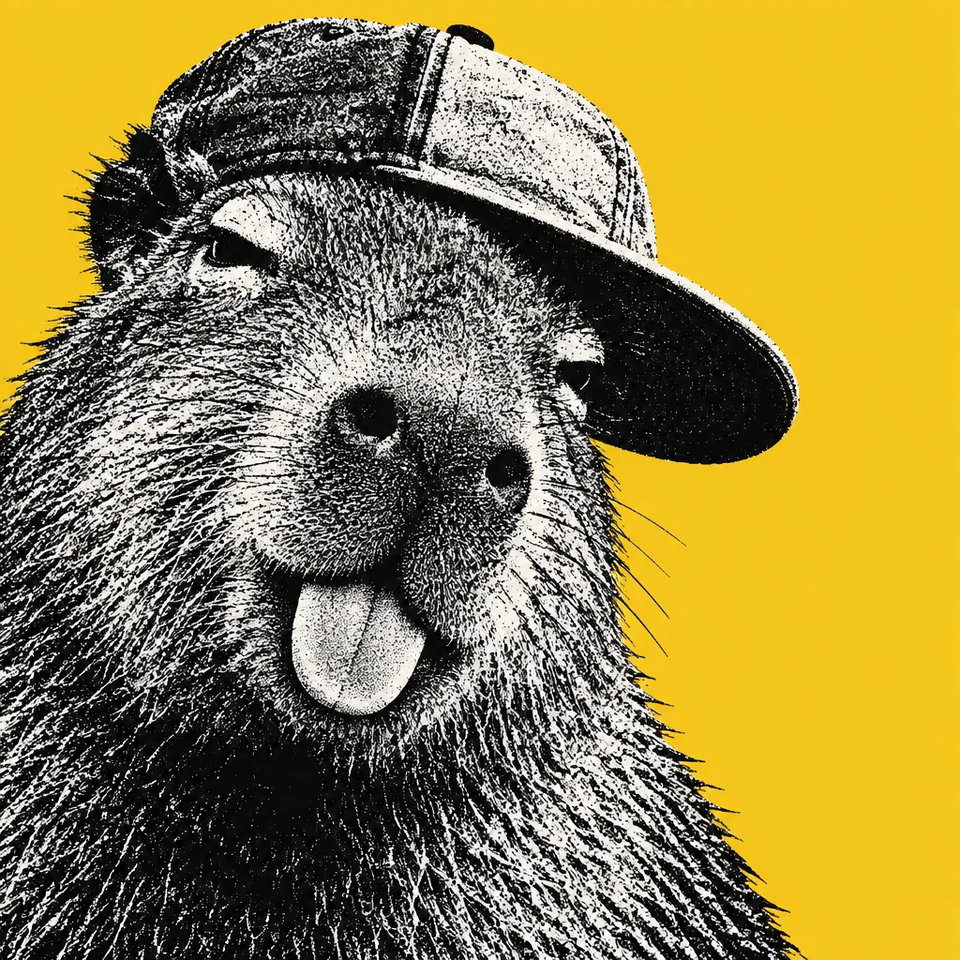
AI images drift
Ask an image model for "black-and-white stipple on a flat yellow background" and you'll get something close to that. Ask again with a different subject and you get something close to that in a different way. The crop changes, the grain changes, the yellow changes. For one image, that's fine. For a campaign, a deck or a website, it isn't.
We ran that test. Our reference is a laughing chimpanzee in gritty stipple on orange-yellow, cropped tight. A plain one-line description of that style, asked for a vintage camera, gave us a clean, centred product shot on bright lemon yellow. Close. Not the same.
Reference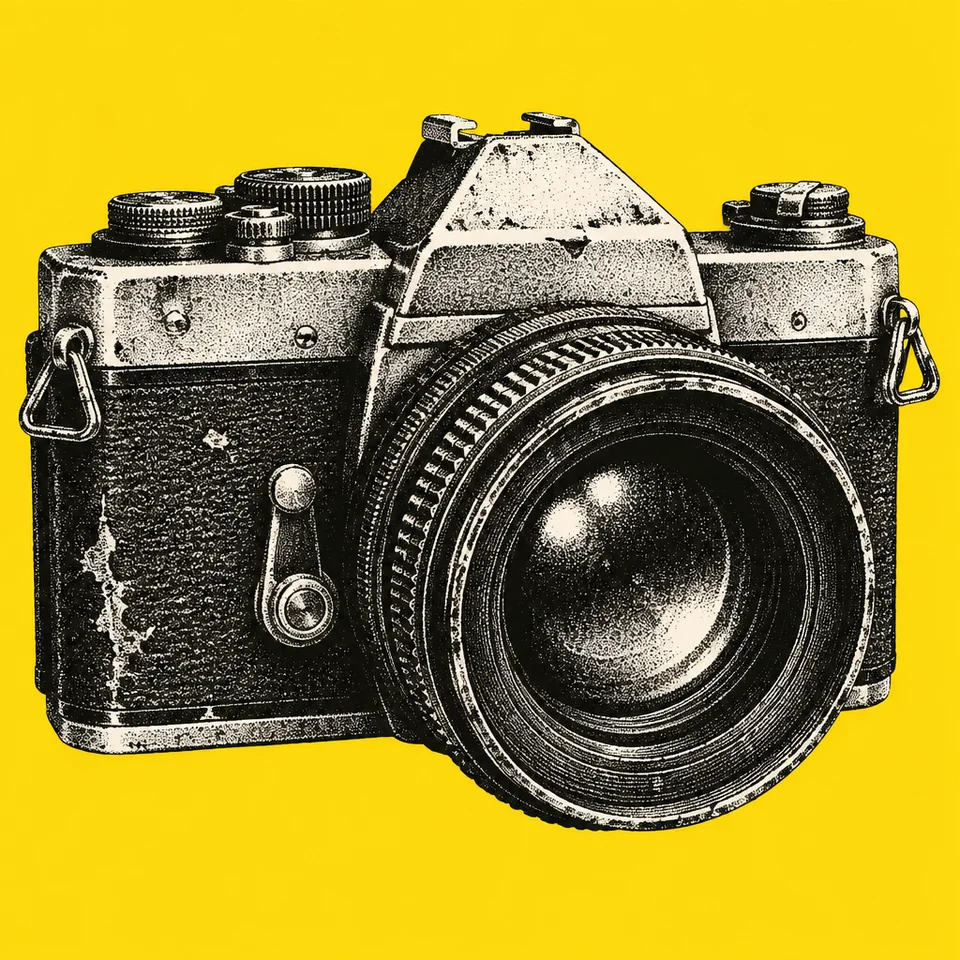 Plain one-line prompt · a camera
Five references are enough
Instead of describing the style ourselves, we showed a model five images in the style we wanted. Simon made them in Midjourney: five chimpanzees in black stipple, each on one flat colour. Our method needs at least four.
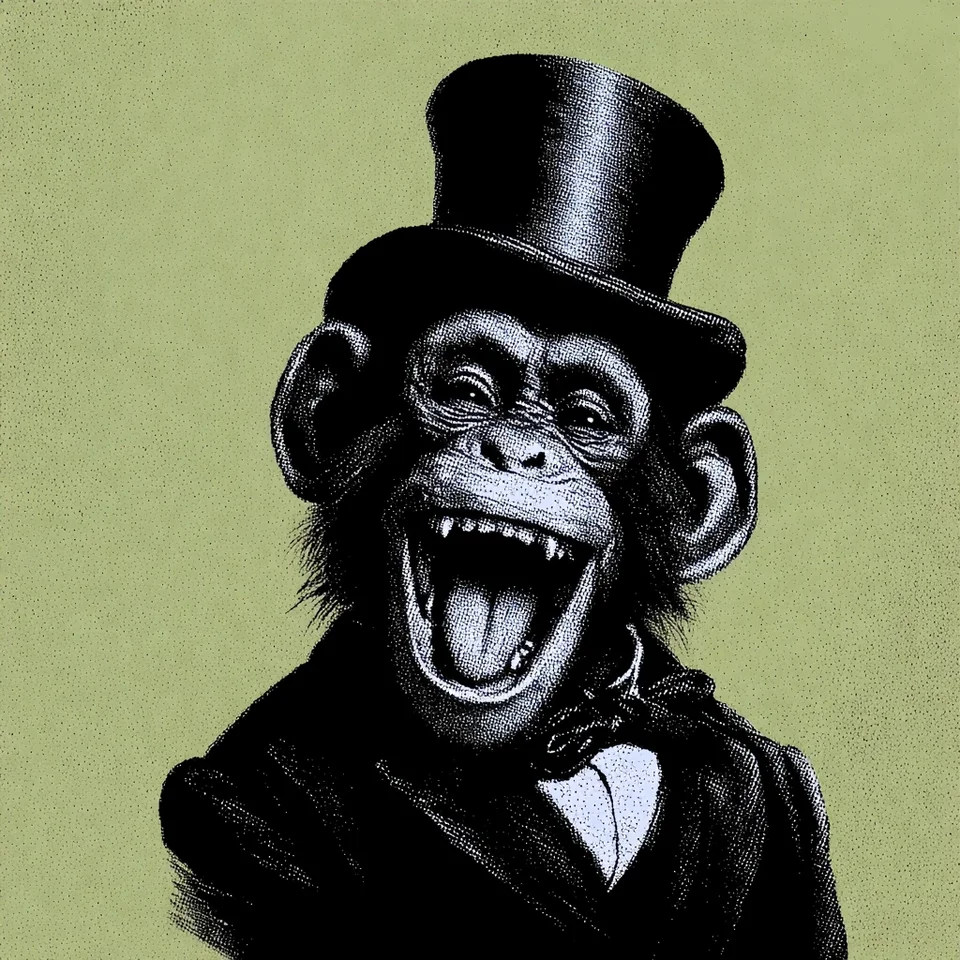
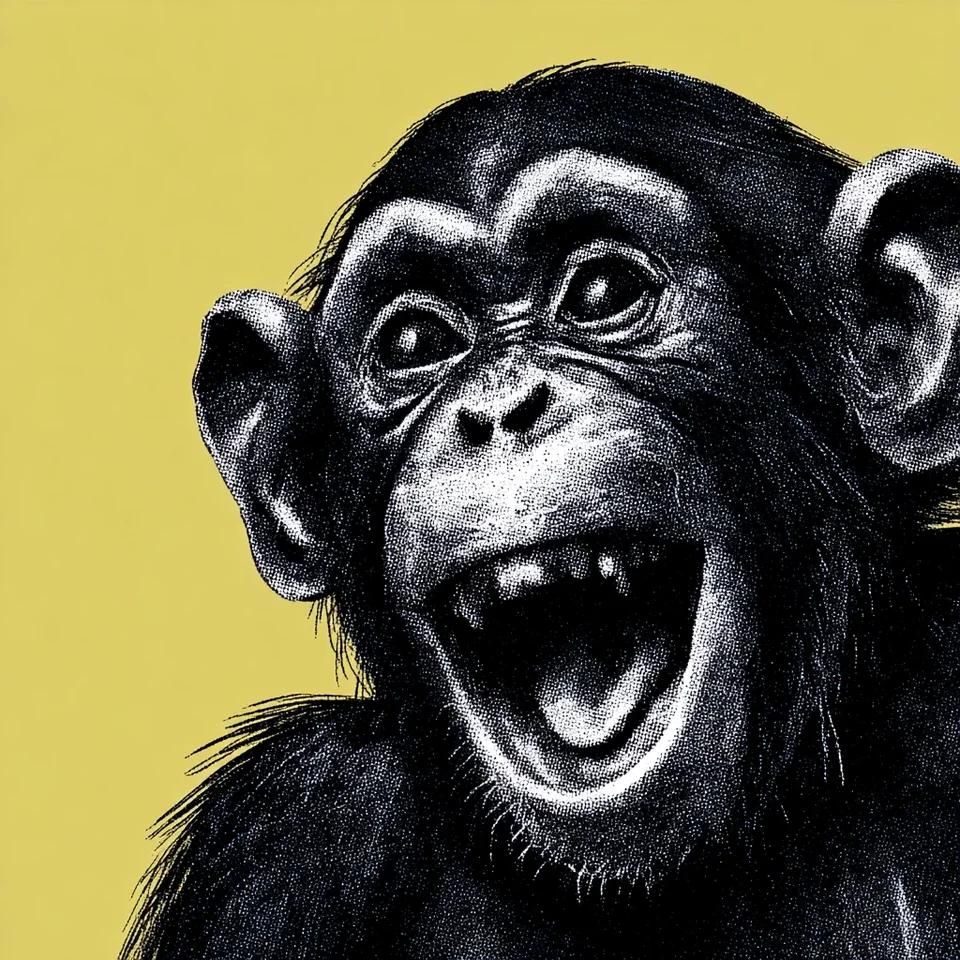
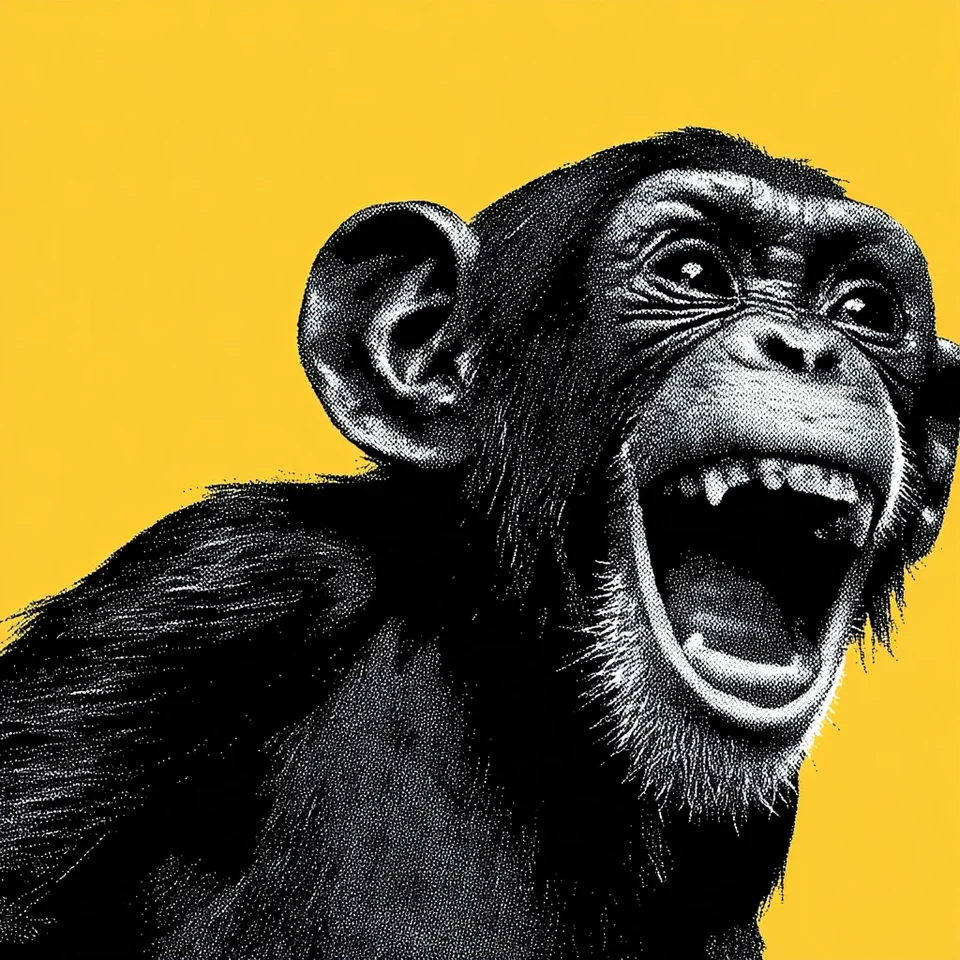
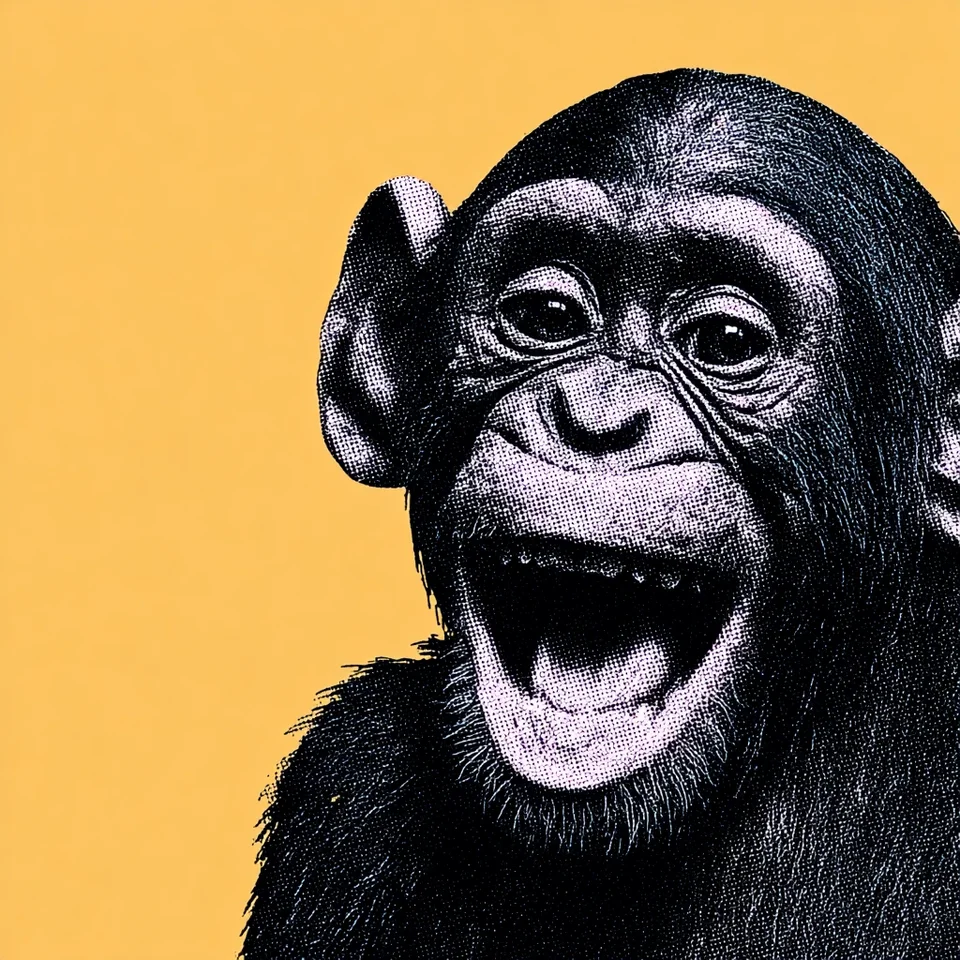
The animals are a control, not the point. Keeping the references simple meant any change in the results came from the prompt. The same approach works for product shots, illustration or a house style.
Describe the look, never the content
The rule that matters most is simple. The prompt must describe how the images look, never what's in them. A style prompt that mentions chimps draws chimps. We learned that in August, when prompts written from these references kept turning an orangutan into a chimp. Now every prompt is checked for species, clothing, faces and props before it's allowed through.
What's left is treatment: grainy black stipple instead of neat halftone dots, shadows crushed into solid black, highlights as clean white, one flat colour behind everything, and a tight crop that lets the subject run off the edge.
How the method works, in outline
We don't write one prompt. We write eight, each with a different method, and none of them can see the others.
Some methods write long, evidence-first briefs. One writes five sentences and then has a separate reviewer check it. One writes a prompt, renders a test image of a teapot, and lets a critic revise the prompt once. Two push hardest on tone and texture.
Then we freeze all eight, drop the same subject into each, and render every one once with the same image model and the same settings. Nothing gets ranked automatically. We look at the results side by side.
What we found
On 25 September, Claude Opus 5.5 wrote all eight prompts from the five references, and GPT Image 2.5 drew them through Paper's image generator.
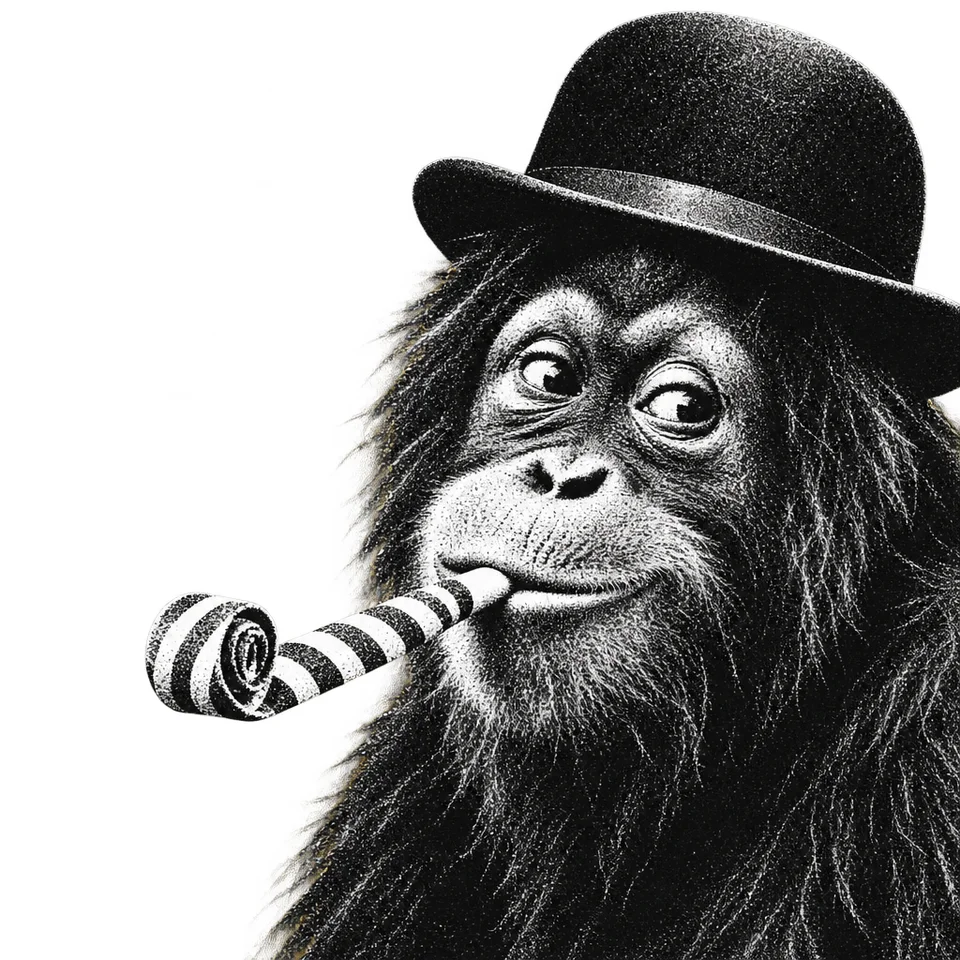
Every prompt carried the style: the stipple, the crushed blacks, the tight crop. But only one kept the flat yellow background. The other seven came back as transparent cut-outs on every subject we tried, 28 renders out of 28.
 V1
V1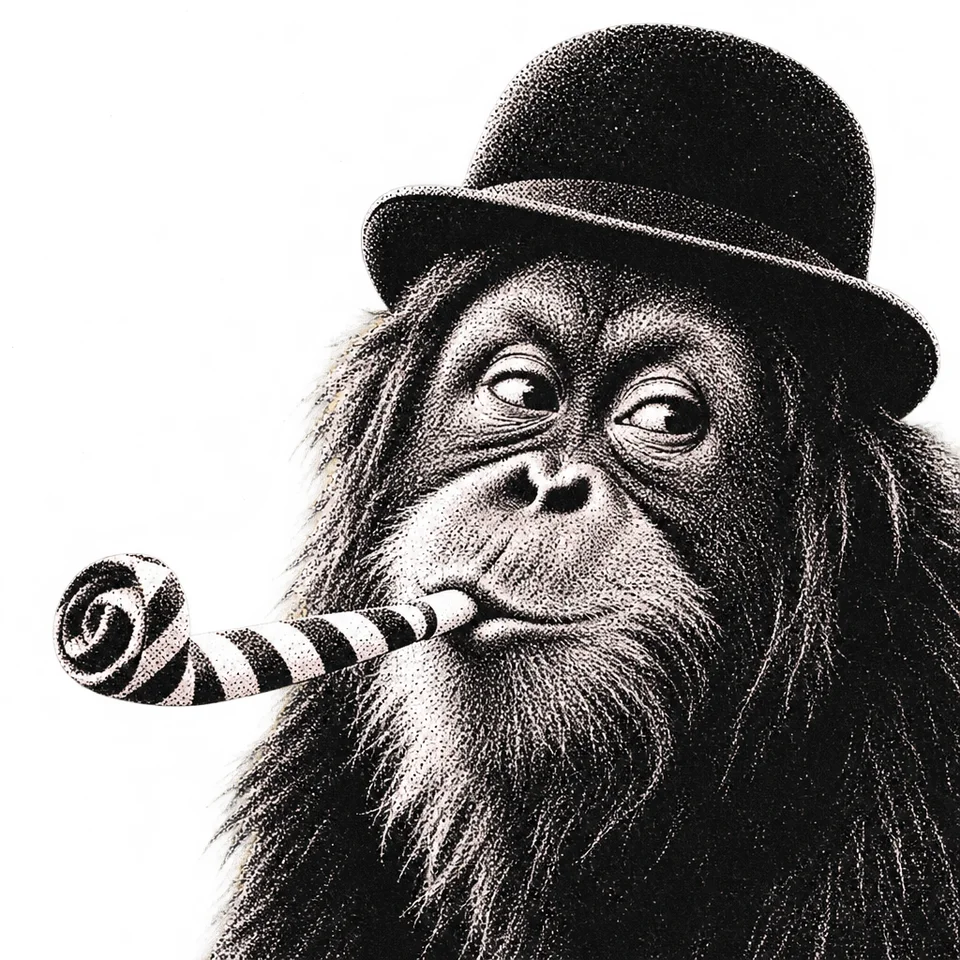 V2
V2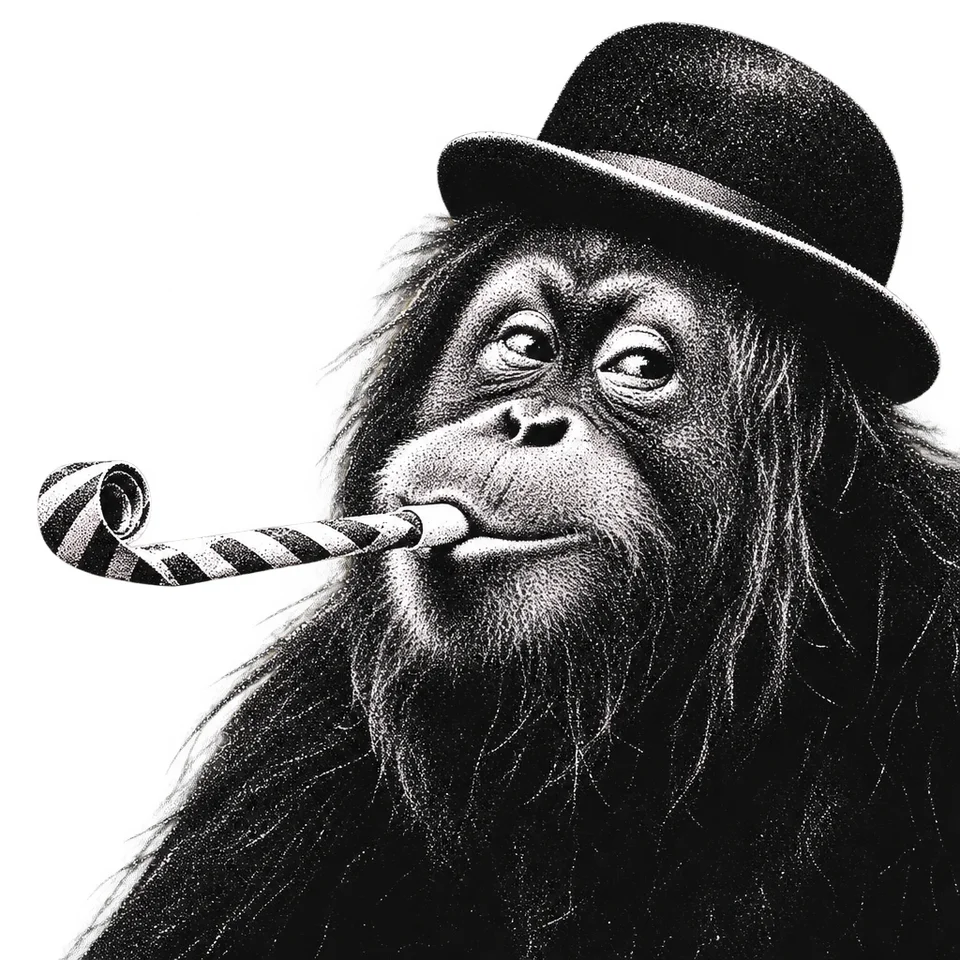 V3
V3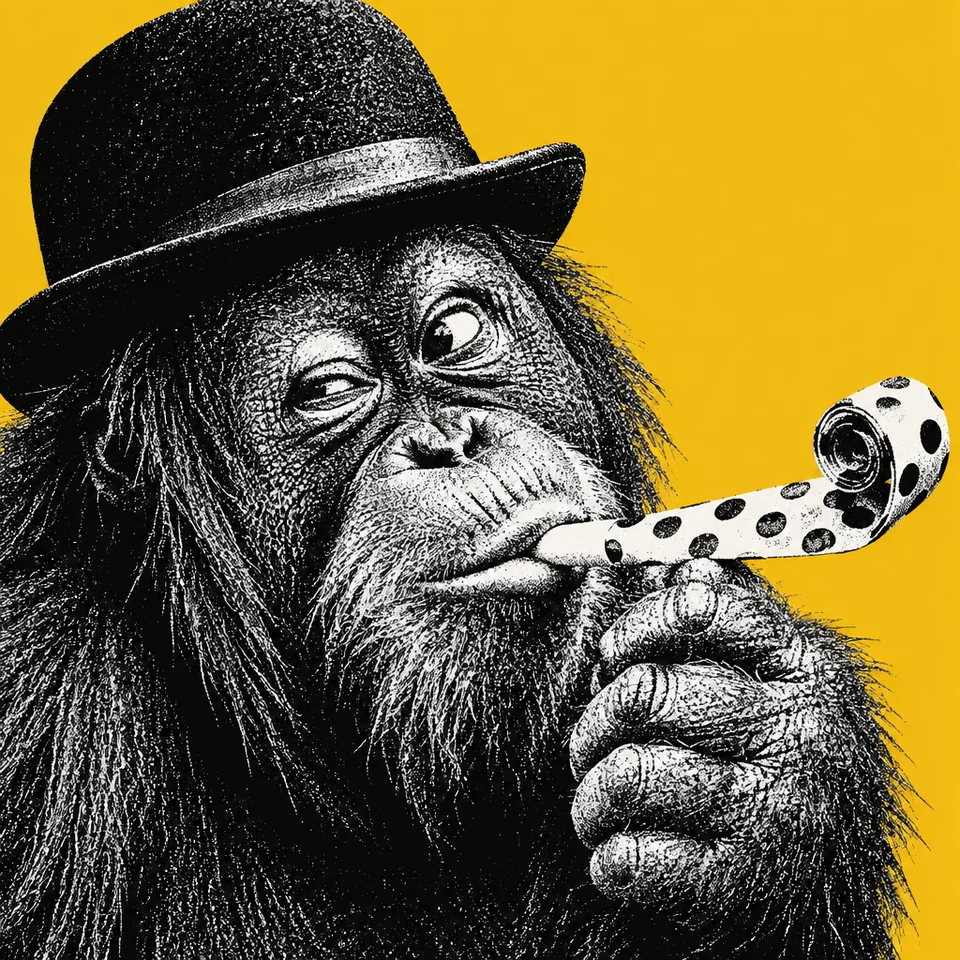 V4
V4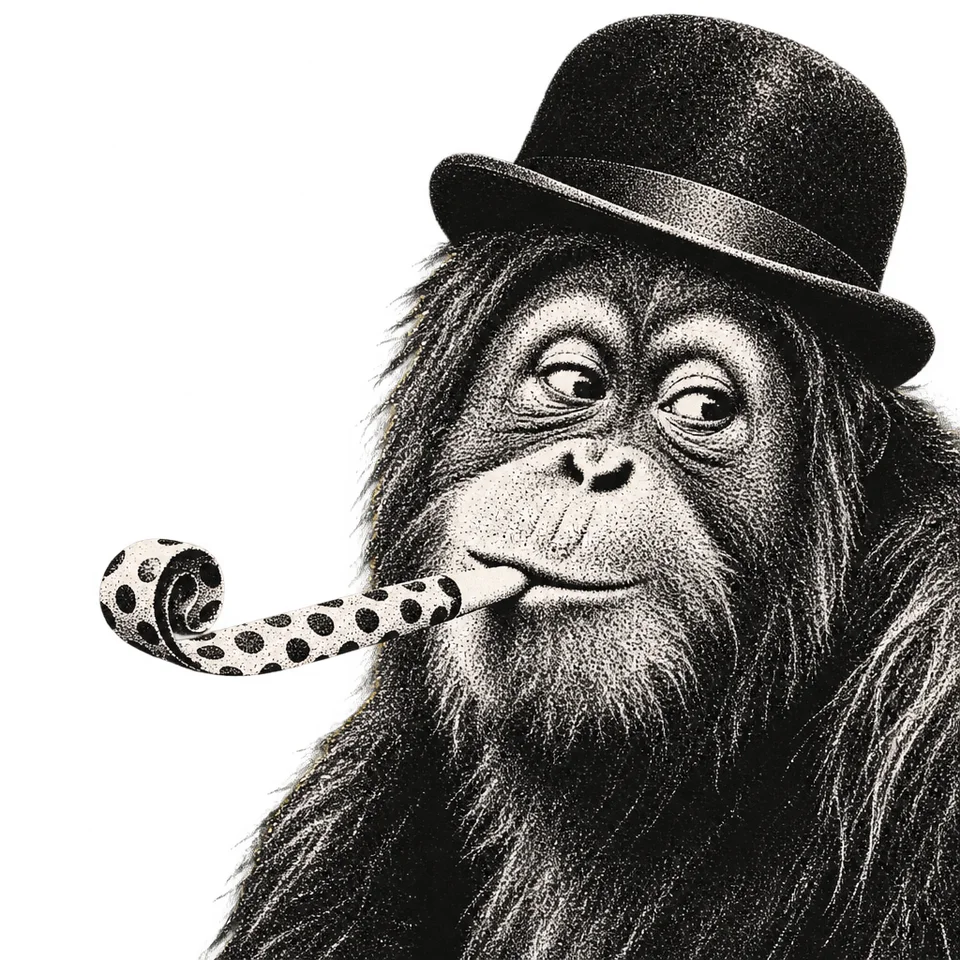 V5
V5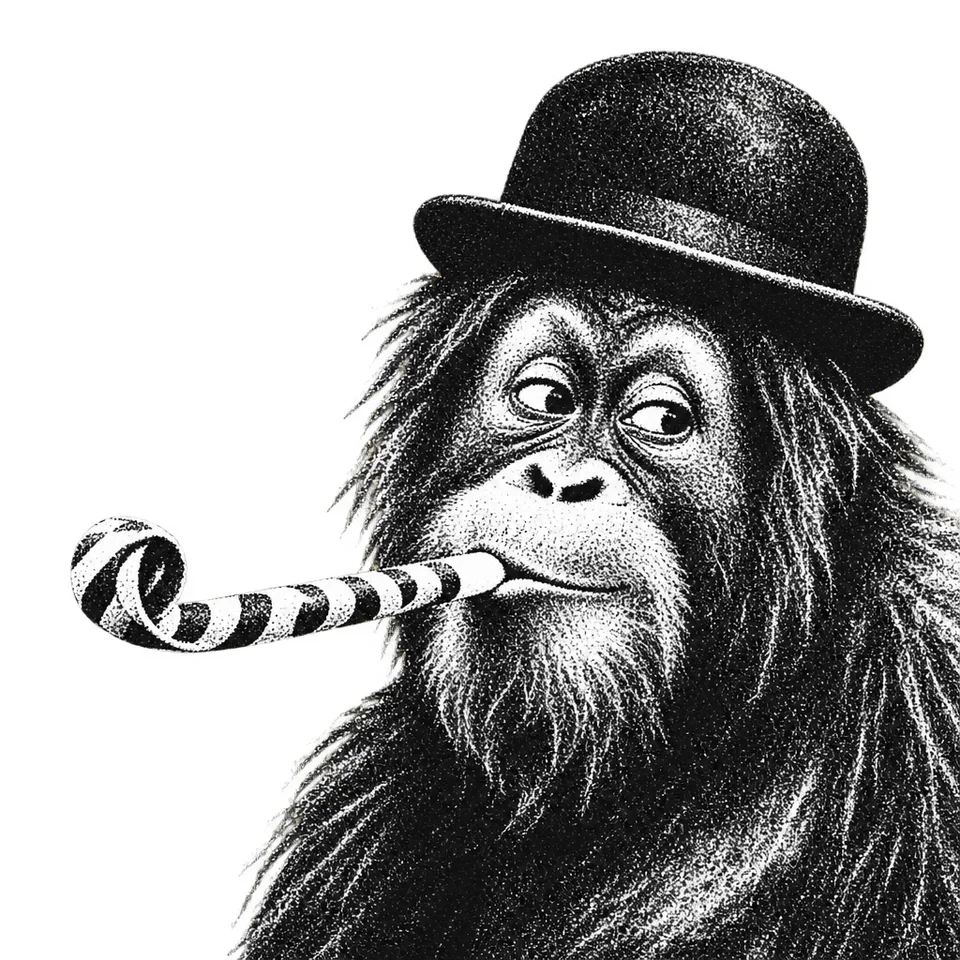 V6
V6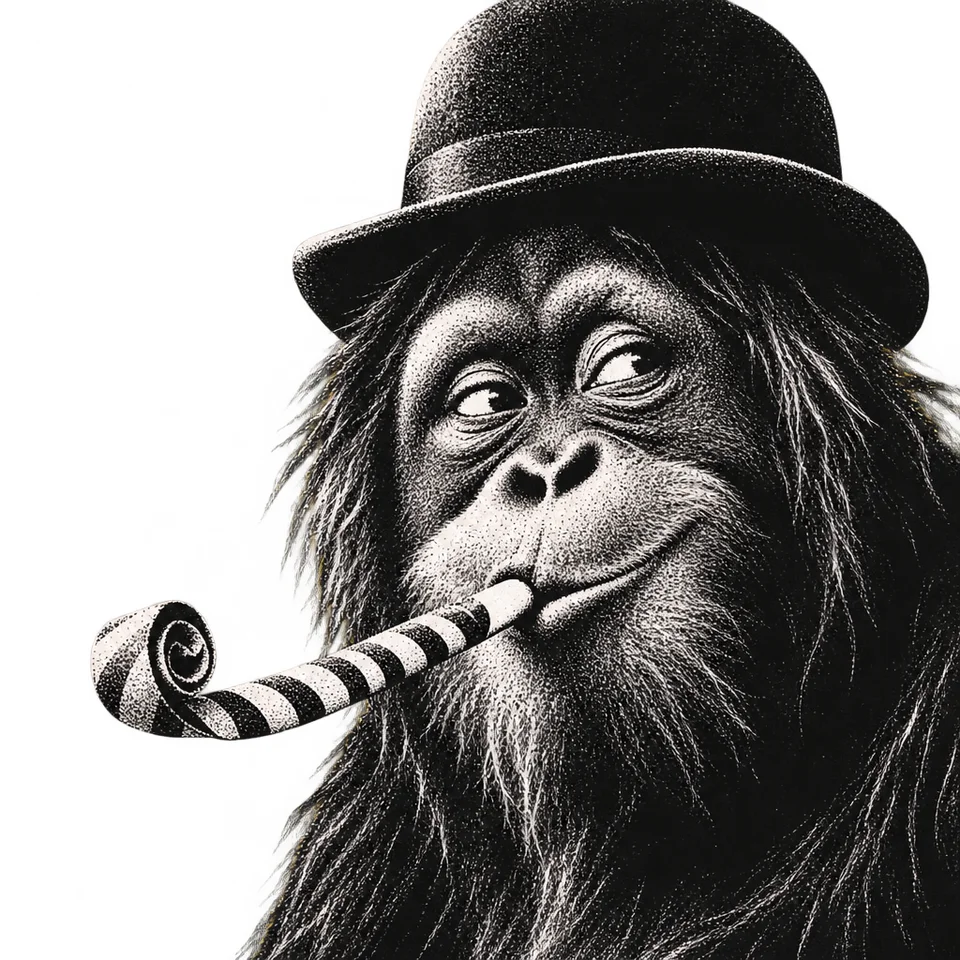 V7
V7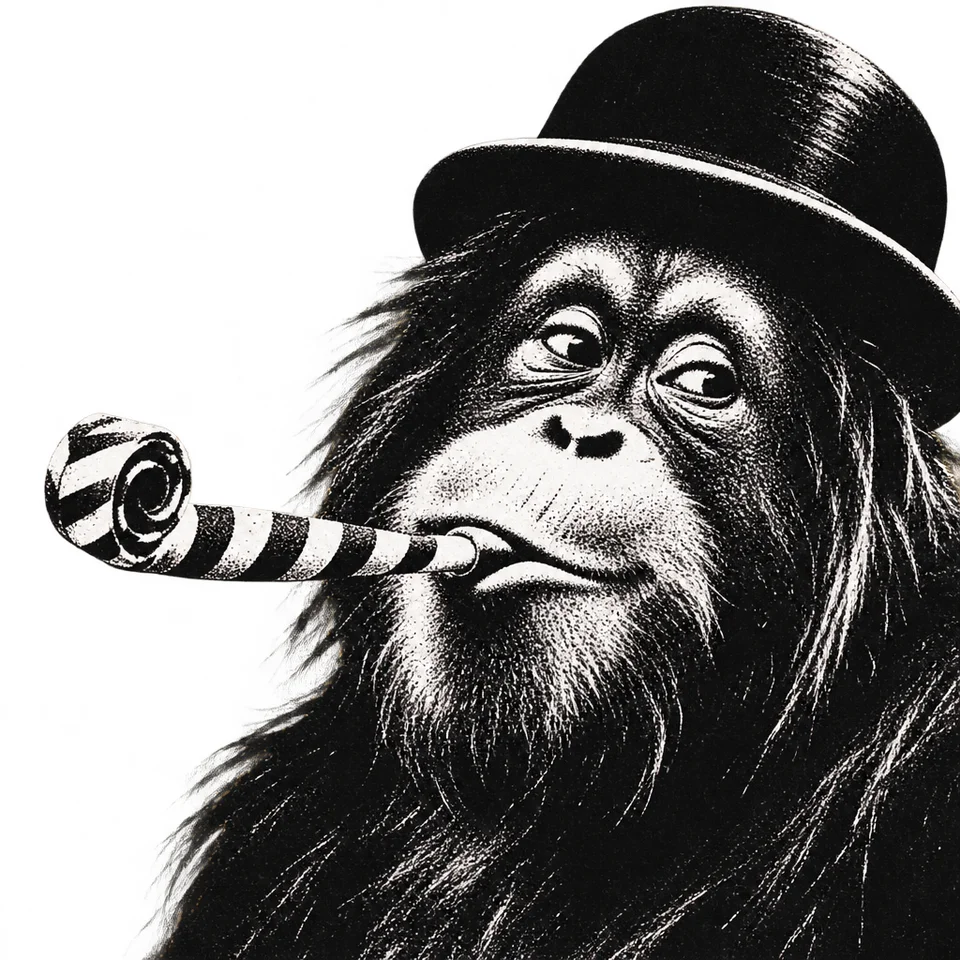 V8
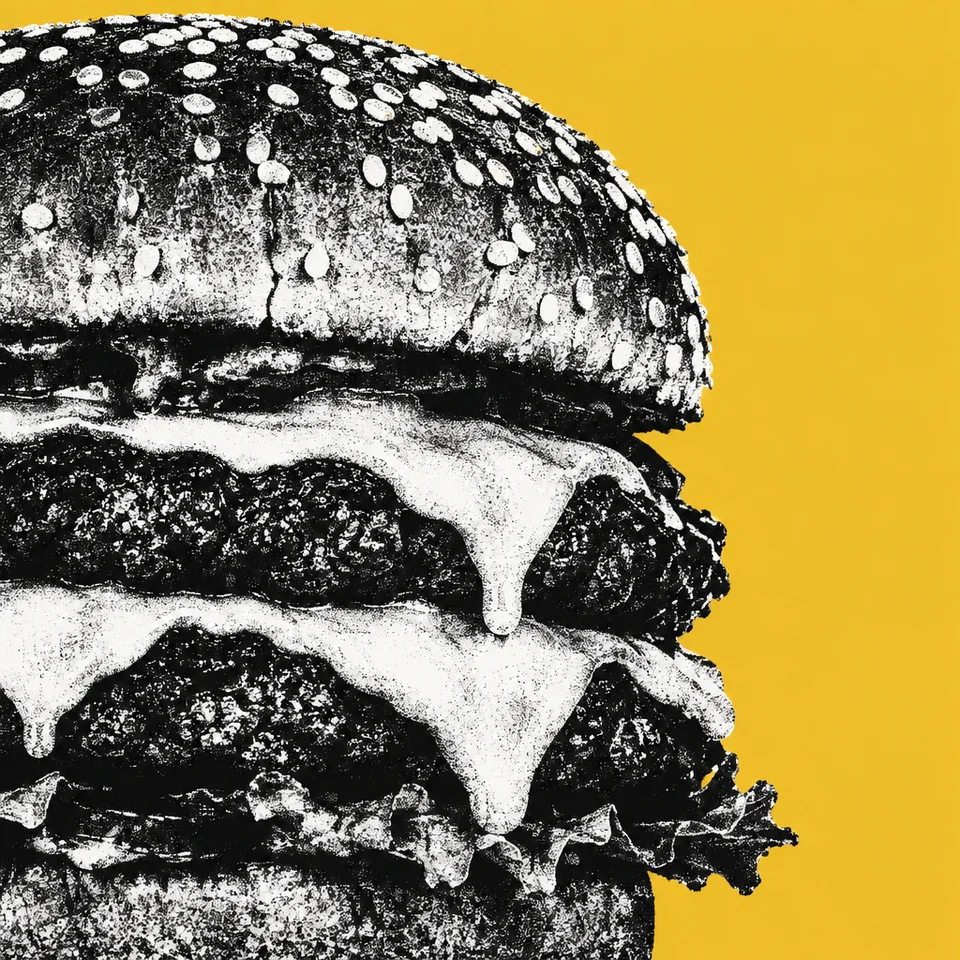
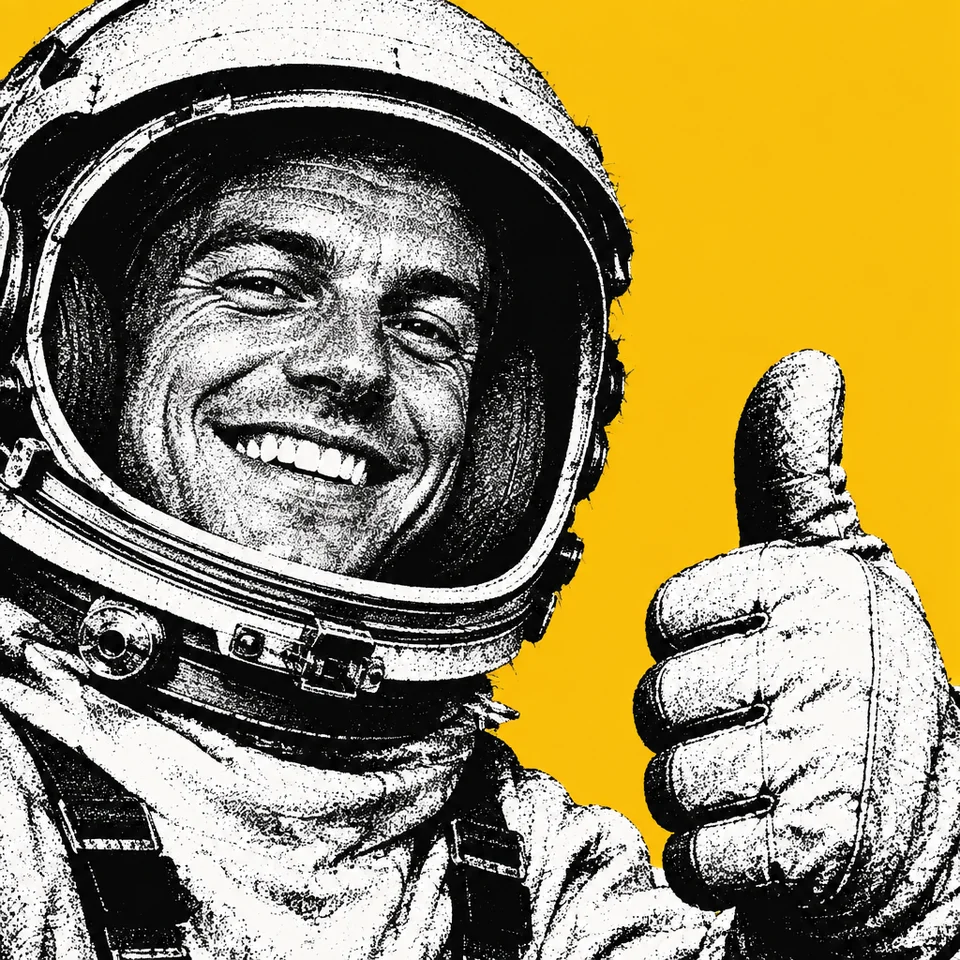
V8The one that kept the yellow was the shortest, at five sentences. We've since used it on eight subjects that aren't in the references: an orangutan blowing a party whistle, a llama in a bow tie, a capybara in a cap, a vintage camera, a cheeseburger, an astronaut, a motor scooter and a cactus in sunglasses. All eight kept the look. Seven of them are in the grid at the top of this page.
What went wrong
- The first test render missed. The method that renders a test image drew the teapot in red and lost the background. Its critic rewrote the prompt once. The second test kept the black and white but still had no background.
- Seven of eight prompts produced transparent images in Paper. We ran twelve single-image tests to find out why. The model can keep the yellow: a prompt written in a September Codex session kept it through the same model. Asking outright for an opaque image changed nothing. Removing the cut-out wording changed nothing. Our best explanation, not yet proven, is that the model reads the whole prompt, and enough talk of cut-outs and edges makes it hand back a cut-out. Later we sent the same eight prompts through Codex's image tool, and four kept the yellow instead of one. When Claude wrote all eight again from scratch and Codex drew them, three kept it. So the tool matters, and so does the wording.
- Square wasn't always square. In an earlier run, on 27 August, six of eight renders came back portrait when we'd asked for square.
- Two runs didn't record their image model. The 5 and 8 September runs never told us which model drew the pictures, so we can't compare them fairly. The 25 September run pins and records it.
- Paper faded the second test. All 96 pictures in our second test came back from Paper's generator partly see-through, with the corners about three-quarters transparent. On a white page they looked washed out. Rendering through Codex fixed it, as the next section shows.
A second test with eight images
The chimps were simple on purpose. For the second test, Simon picked a harder style. The eight references are black-and-white photos of homes, families and tradespeople, overprinted with flat blocks of cobalt, magenta, orange and yellow. The shadows are recoloured in the same inks, and the colour fades out through halftone dots.
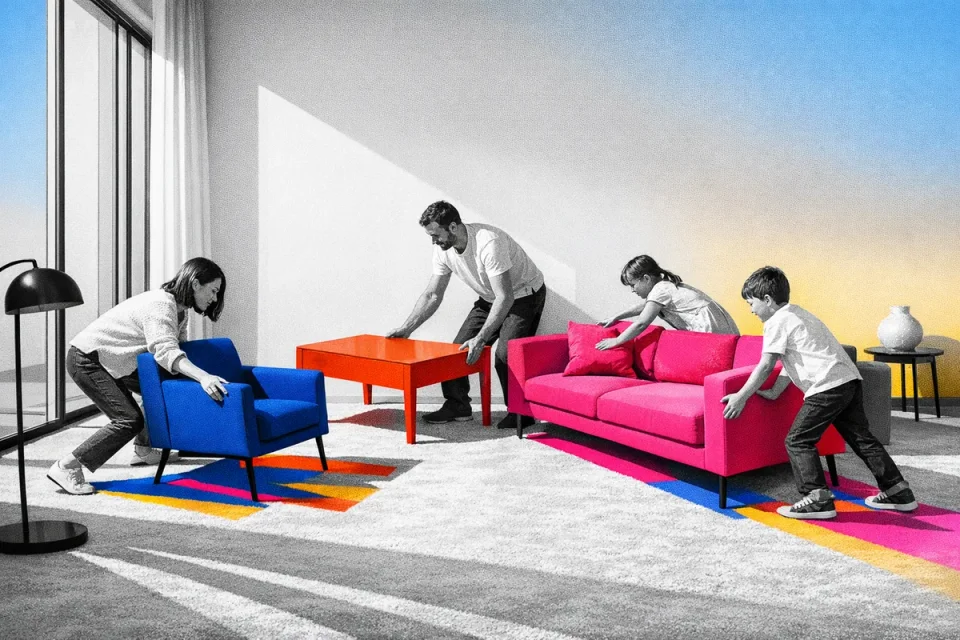
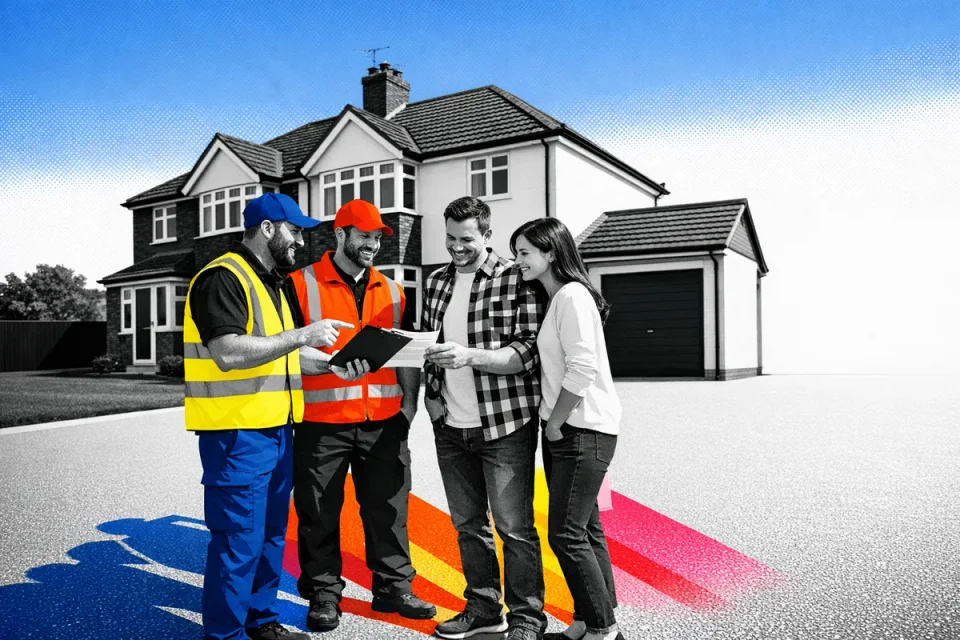
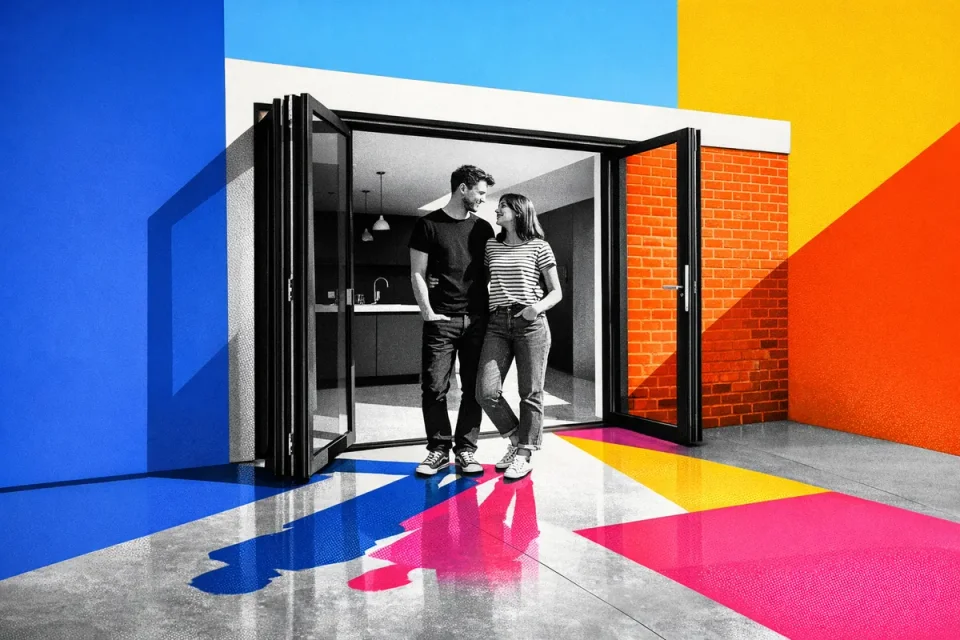
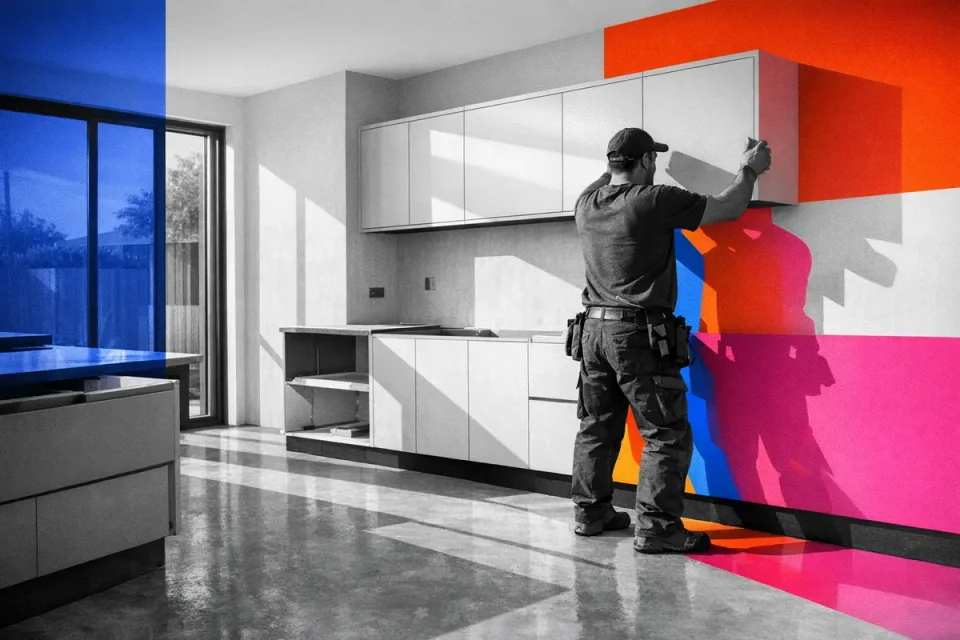
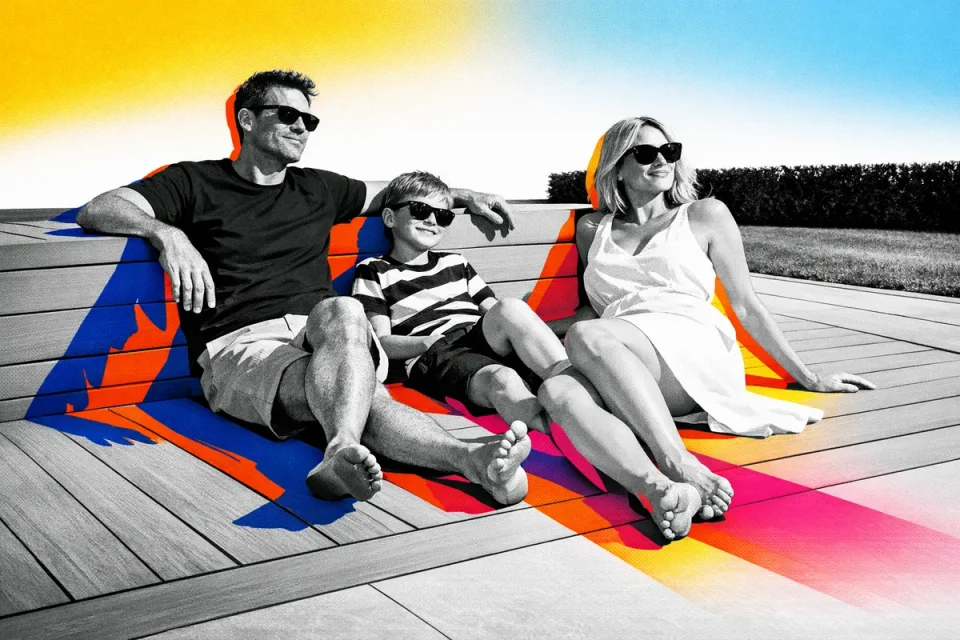
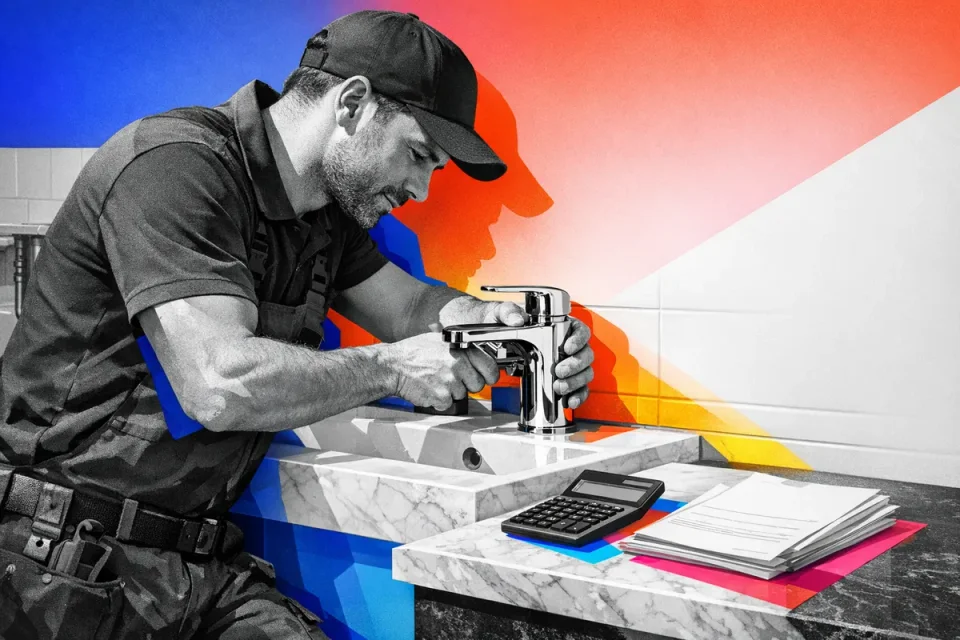
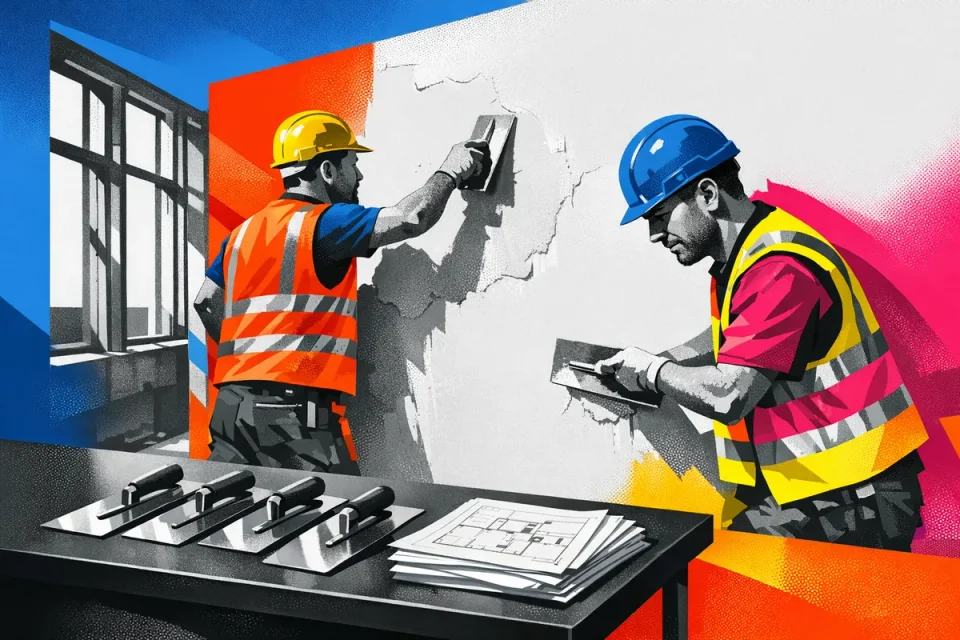
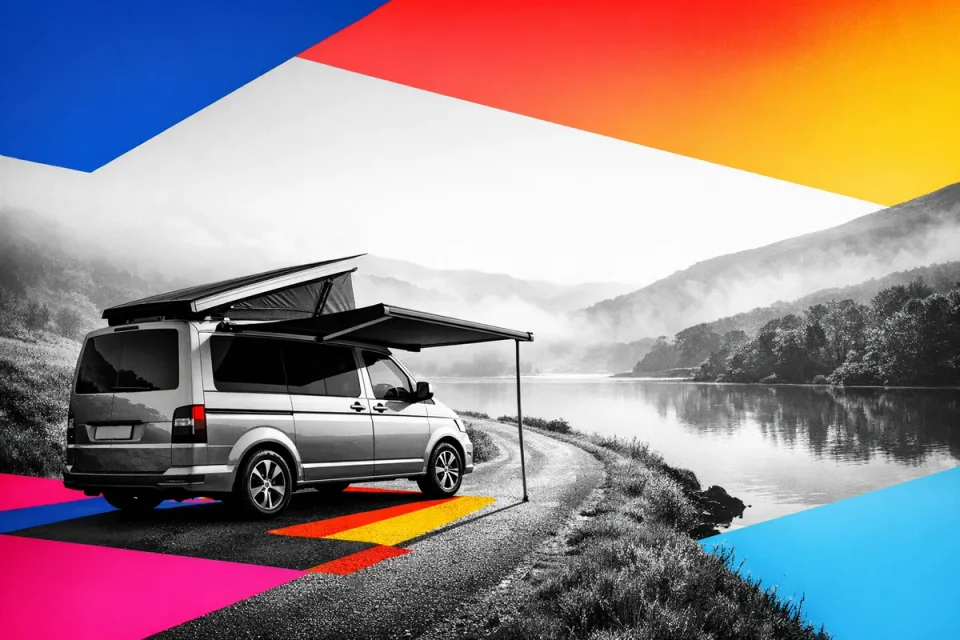
Claude Opus 5.5 wrote eight prompts from them, one per method, each blind to the others. Every prompt then got the same twelve subjects, from a party-whistle orangutan to a barista serving a flat white. None of them appears in the references.
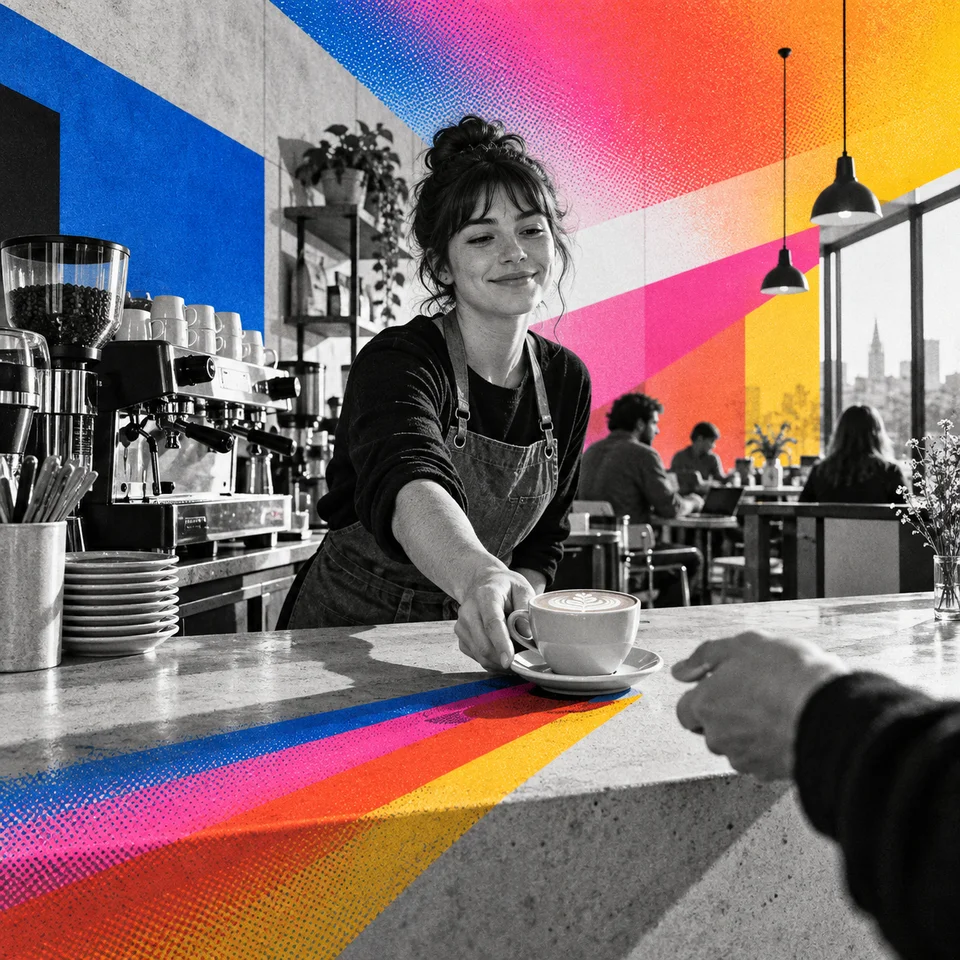
Our first pass went through Paper's image generator, and every picture came back faded at the edges. Four of the same prompts, sent unchanged through Codex's built-in image tool, came back solid. So Claude wrote the eight prompts again, blind, and Codex drew all 96 pictures. Every one came back solid, edge to edge, with the colour running off the frame like the references.
 V1
V1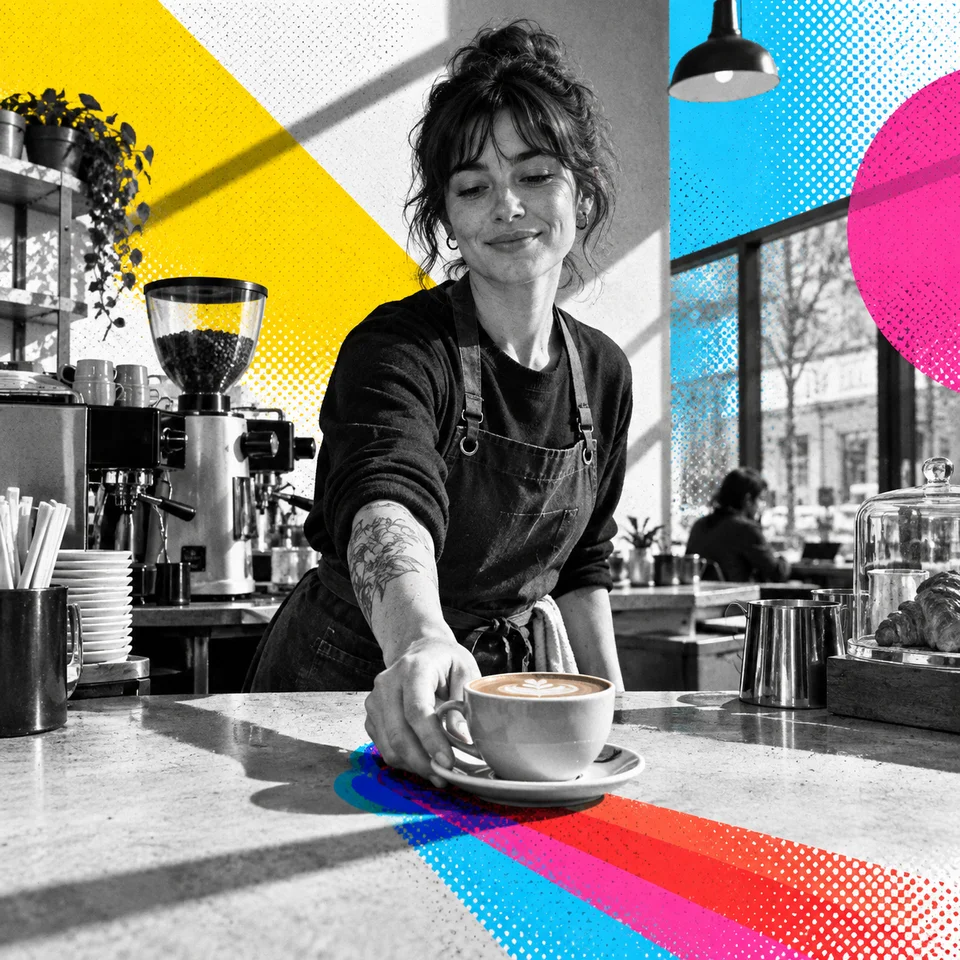 V2
V2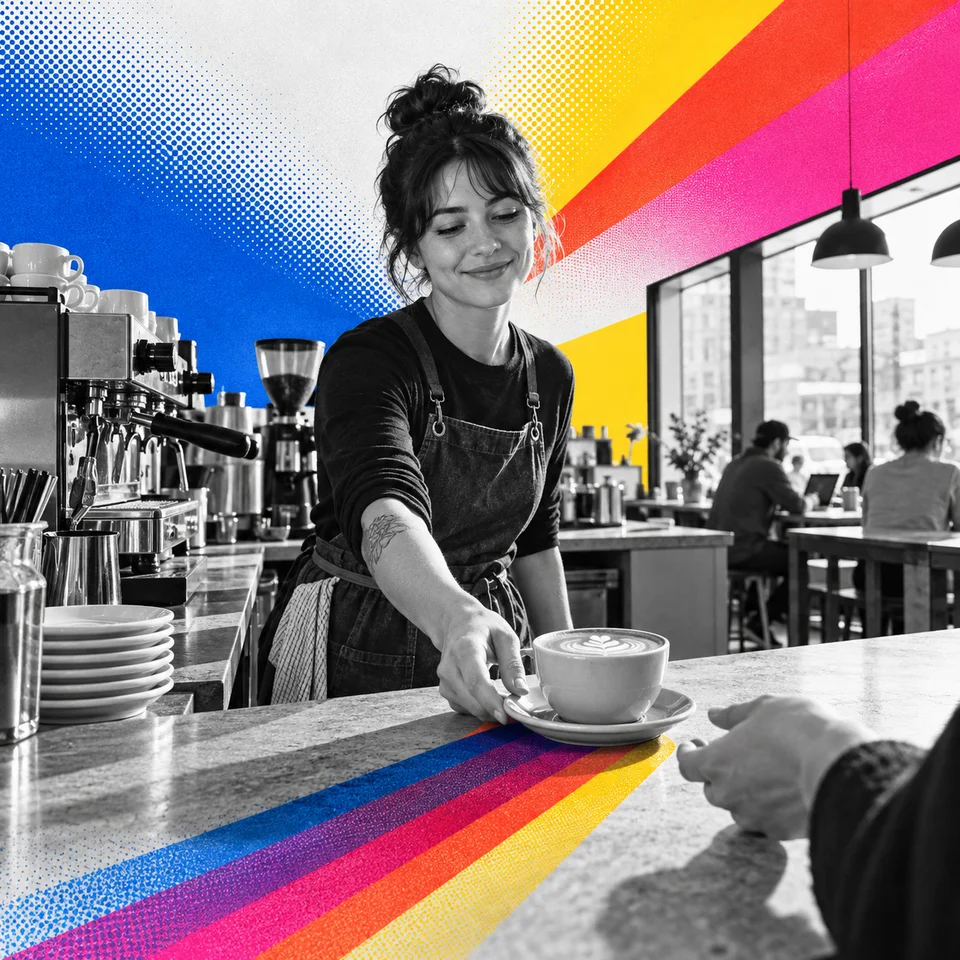 V3
V3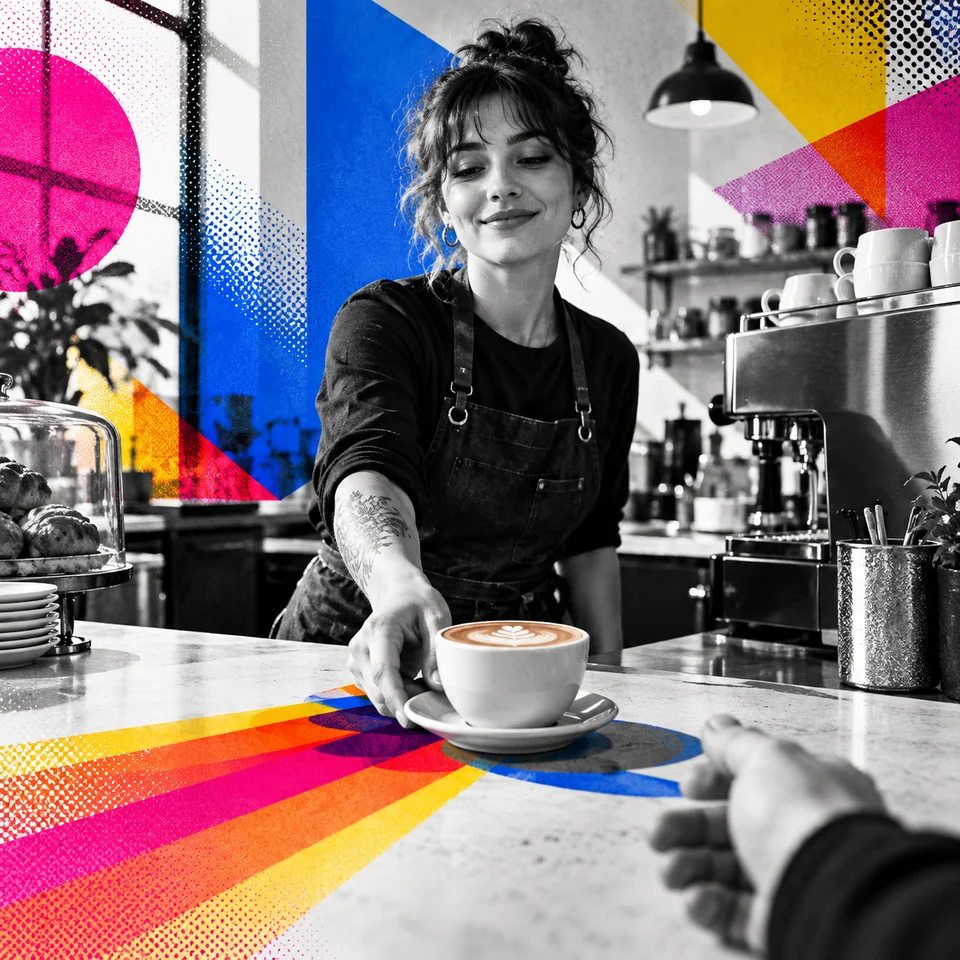 V4
V4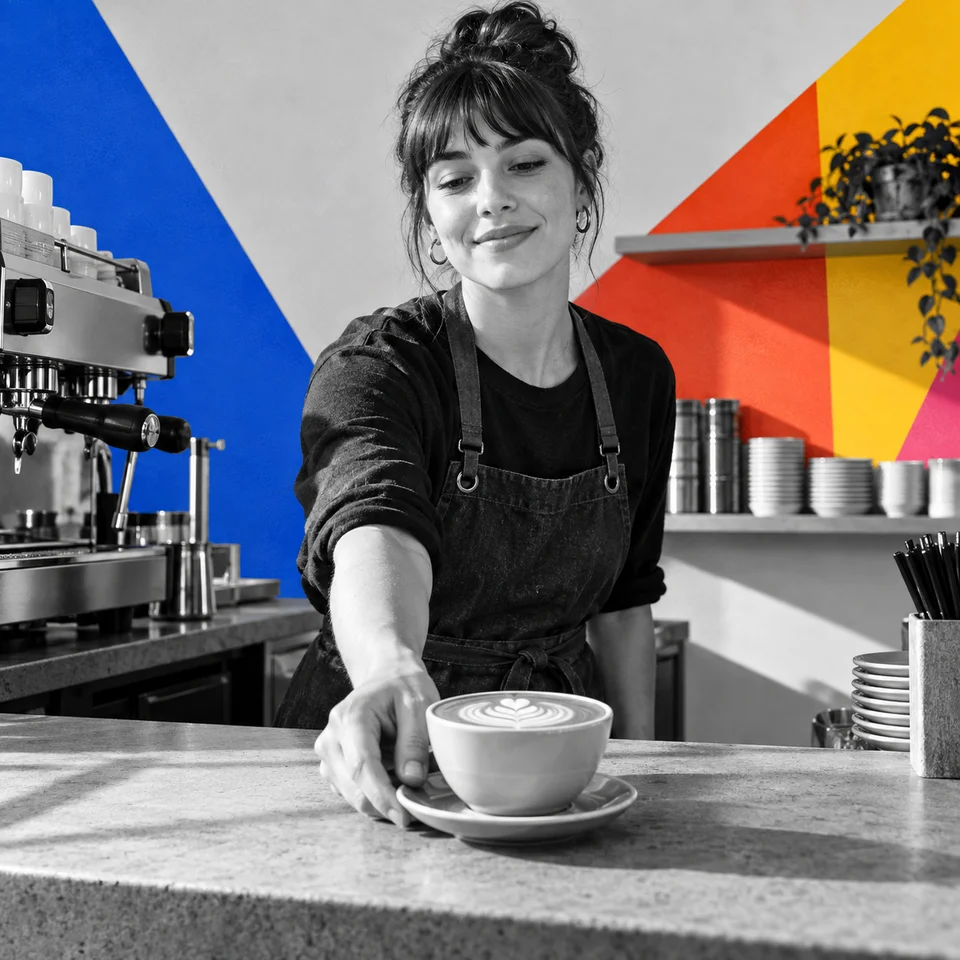 V5
V5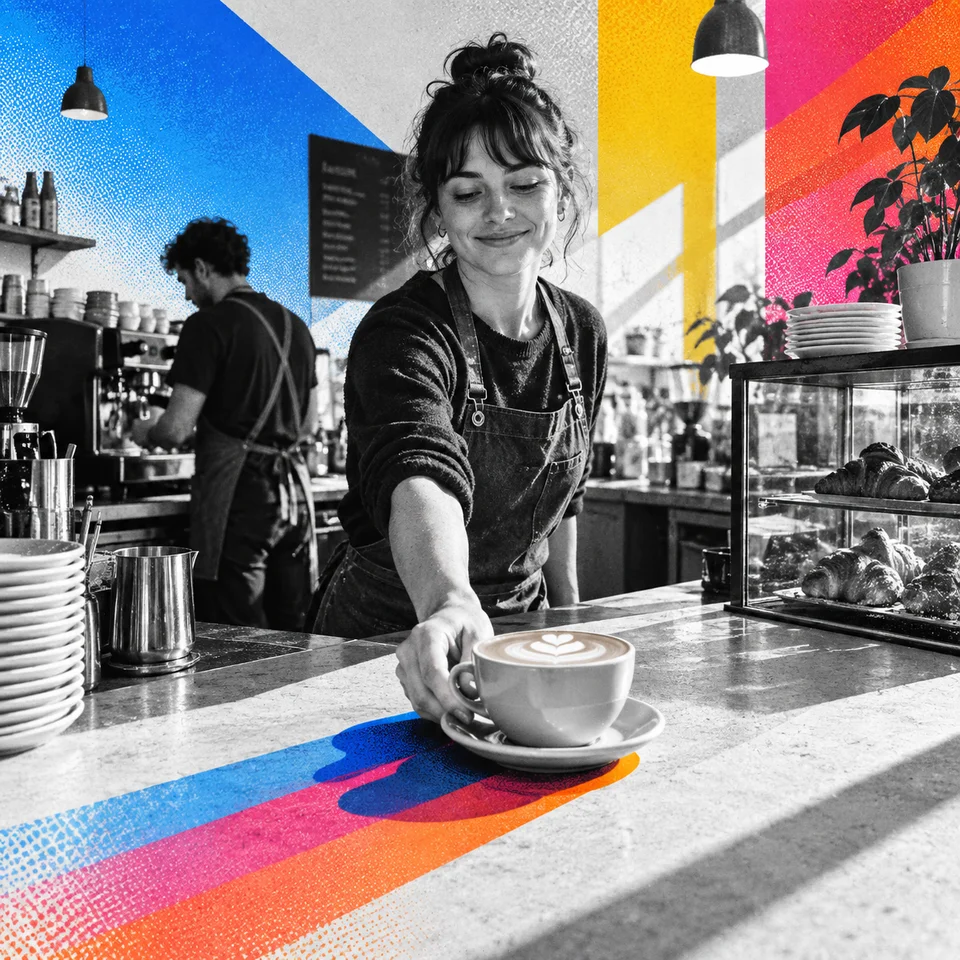 V6
V6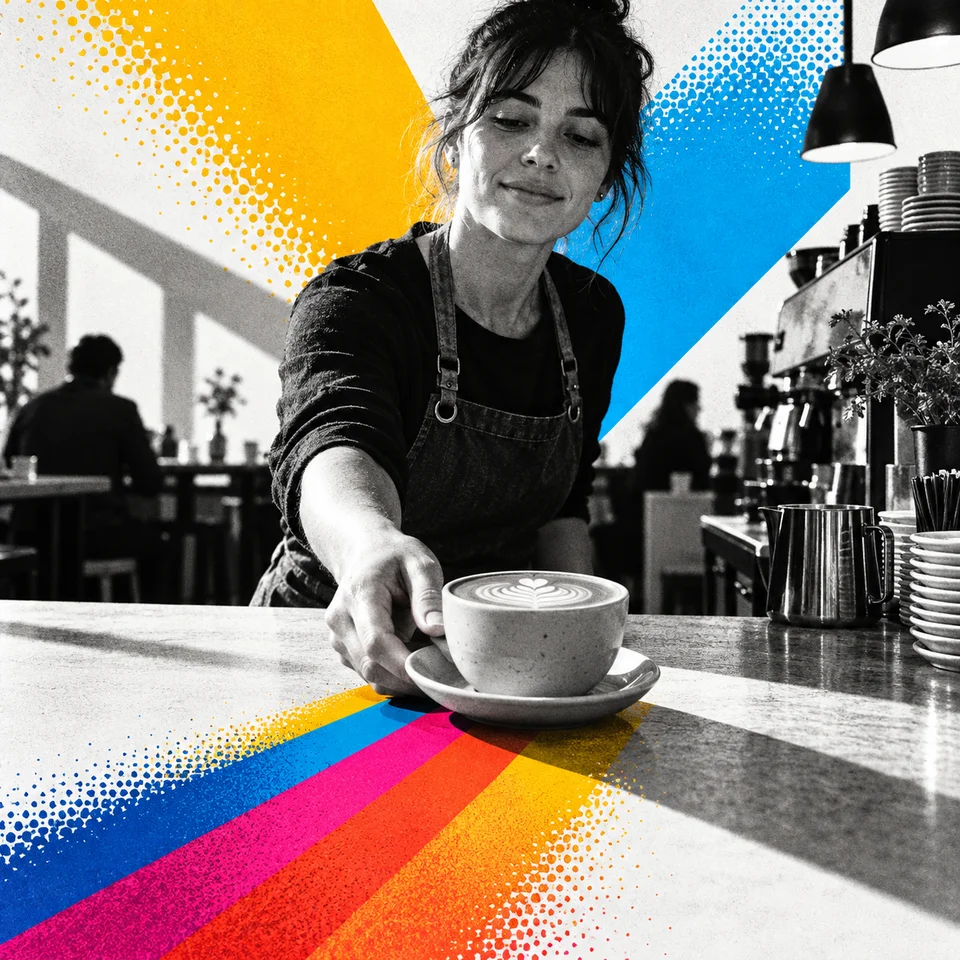 V7
V7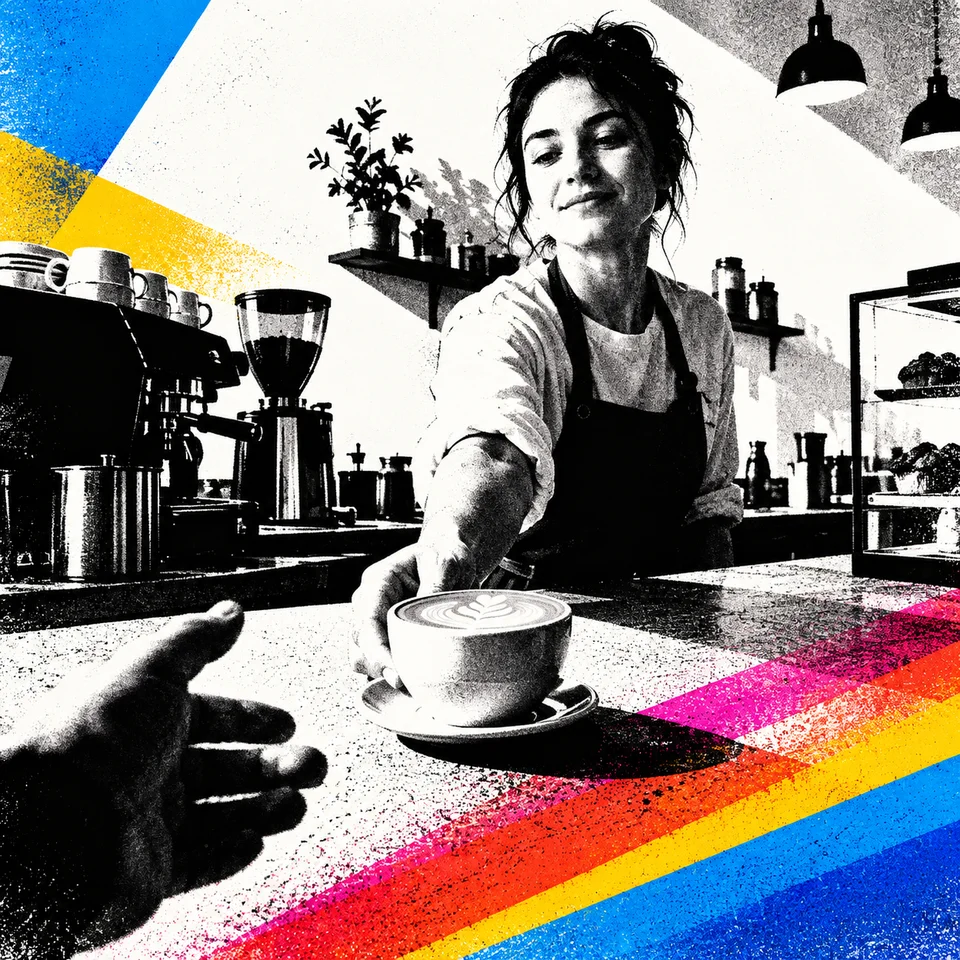 V8
V8The shortest of the eight is four sentences long. Here it is on all twelve subjects.
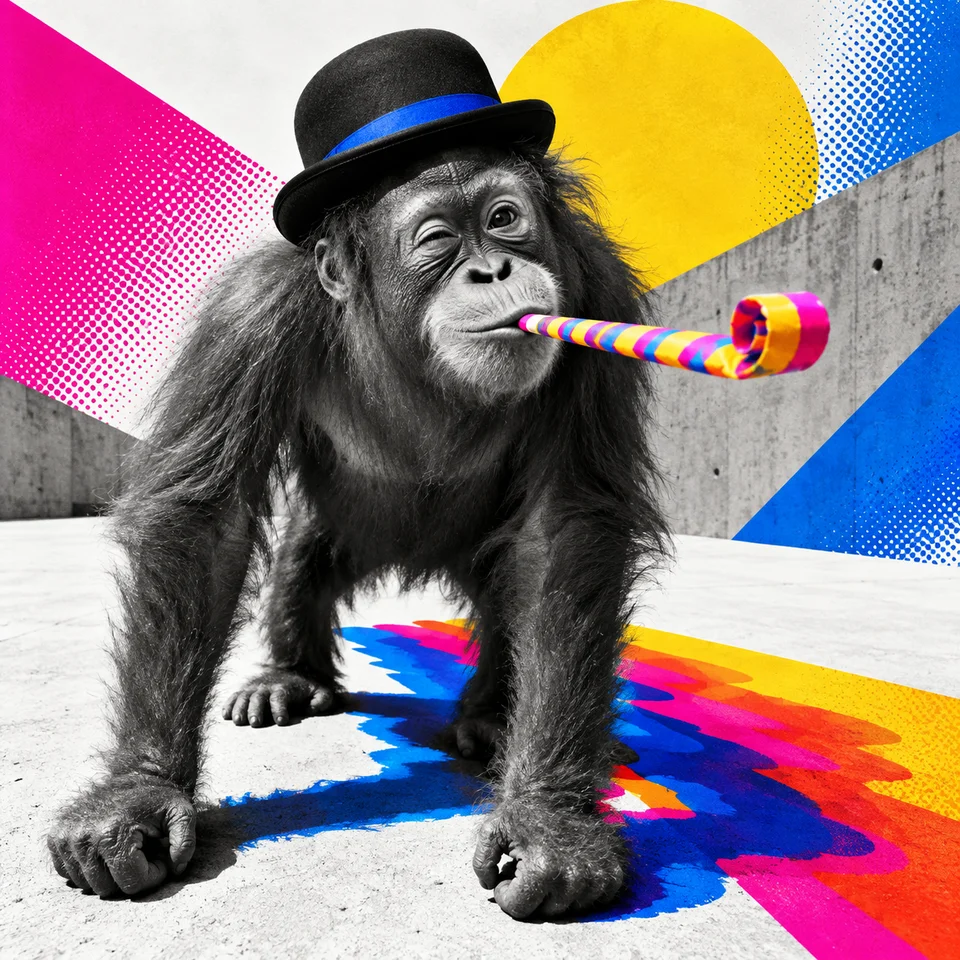 Orangutan
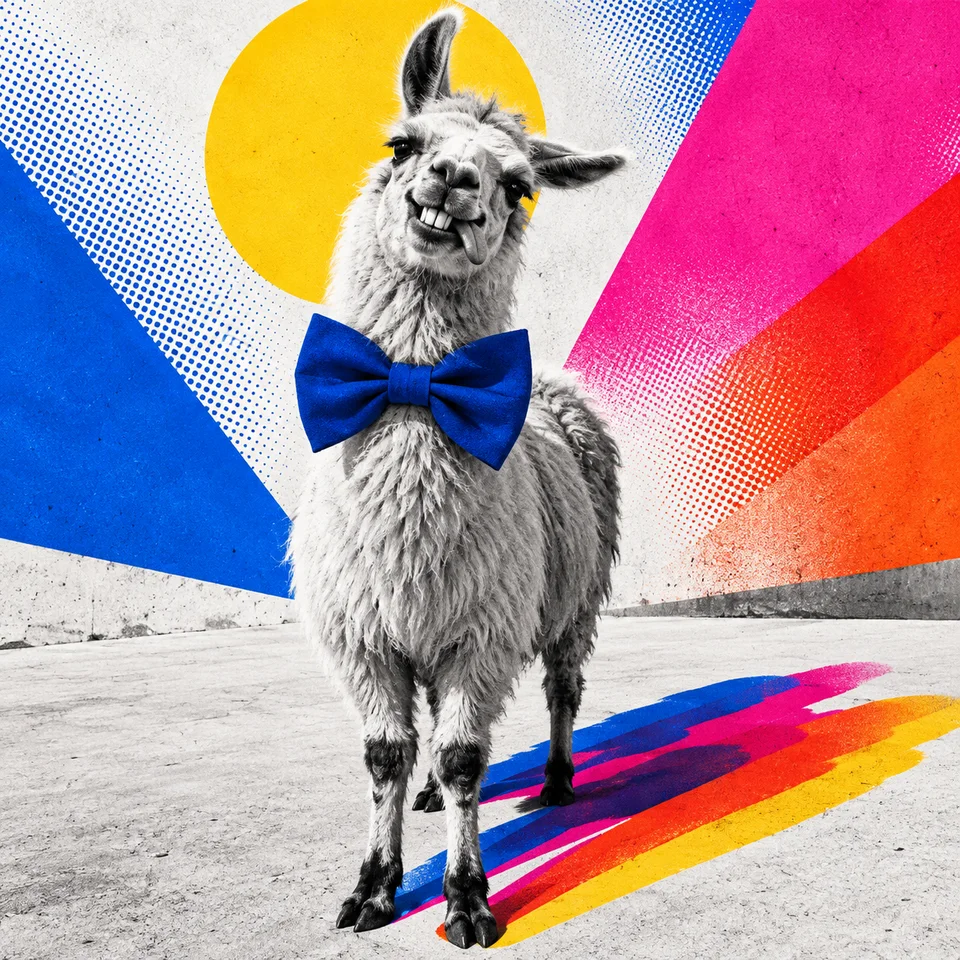 Llama
Llama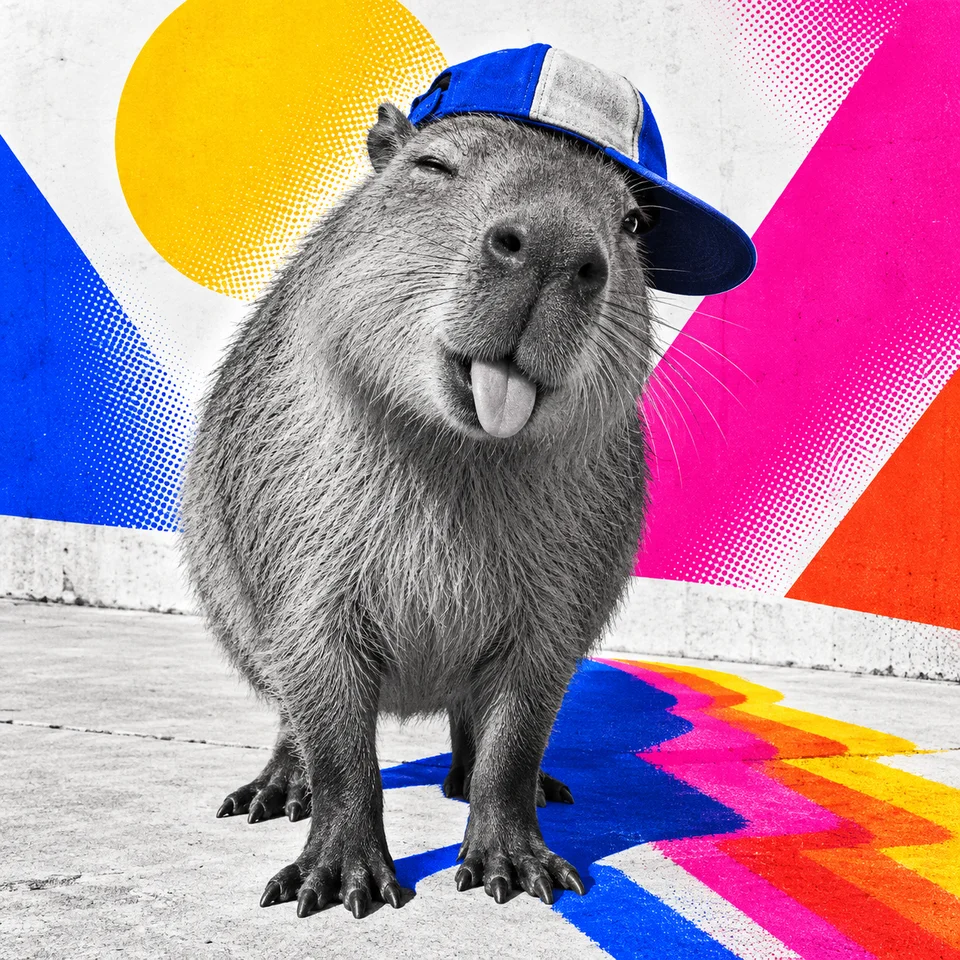 Capybara
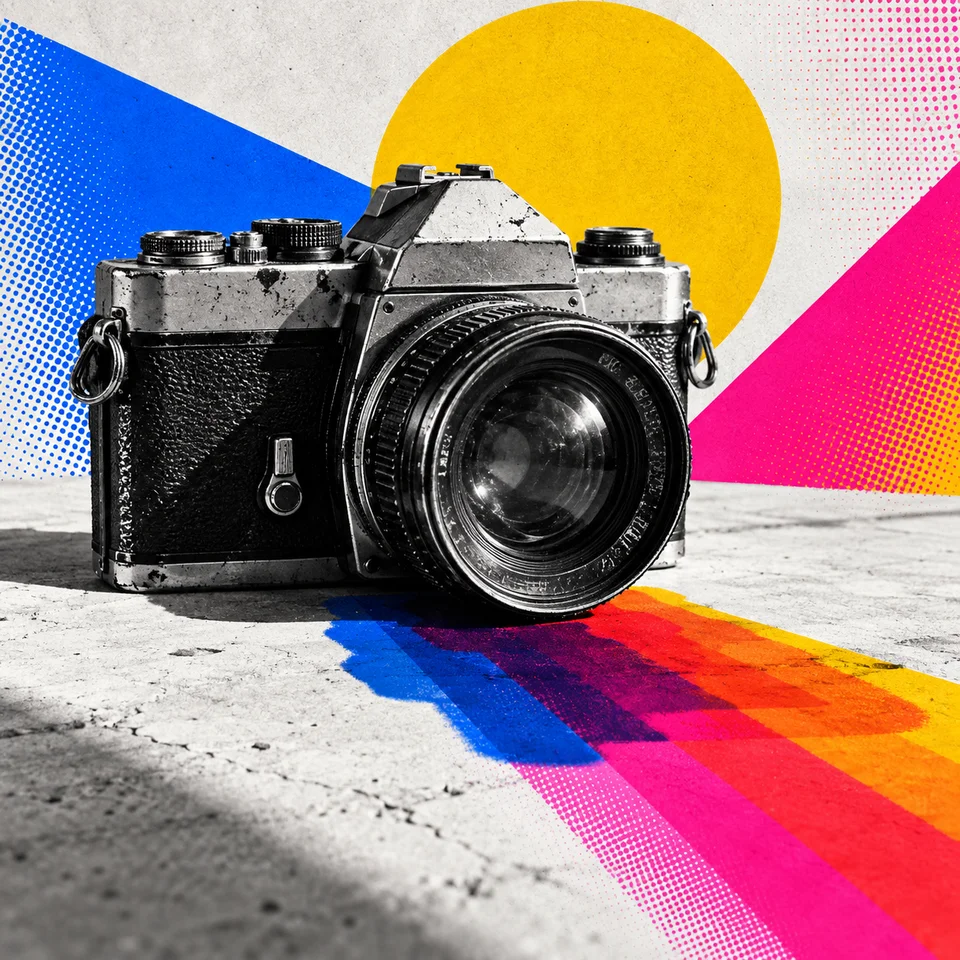 Camera
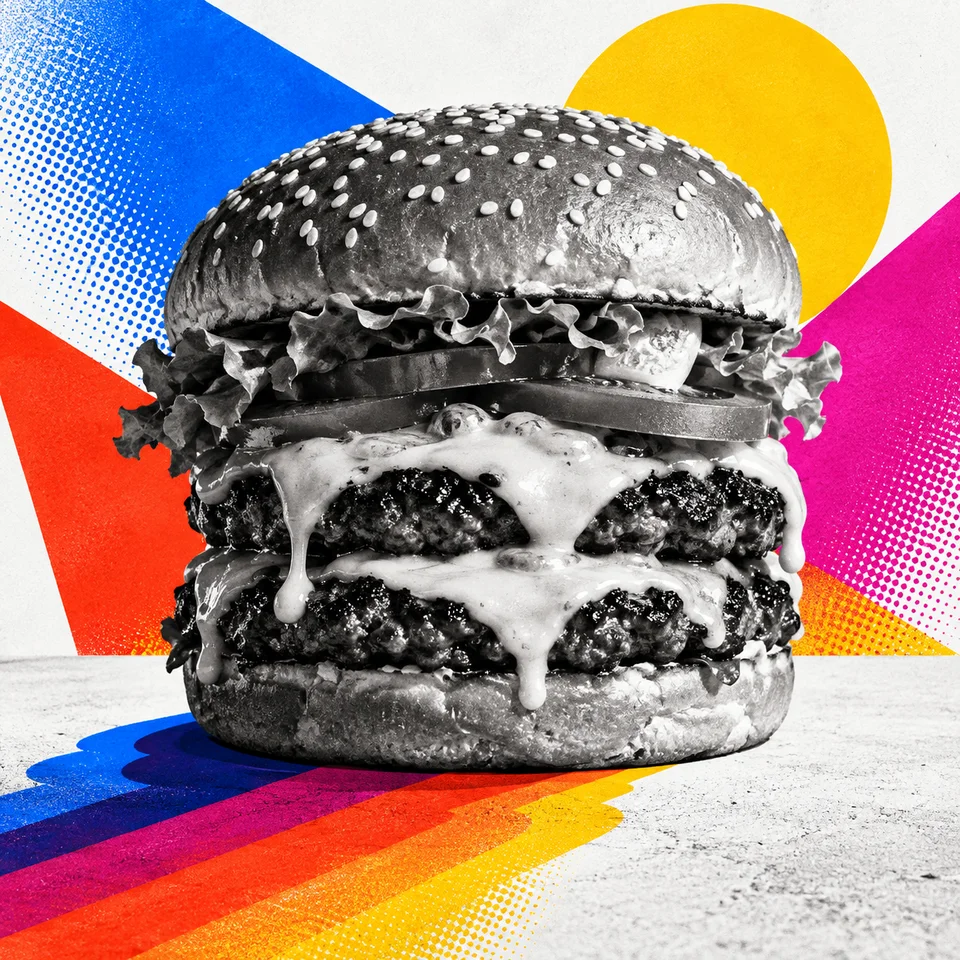 Cheeseburger
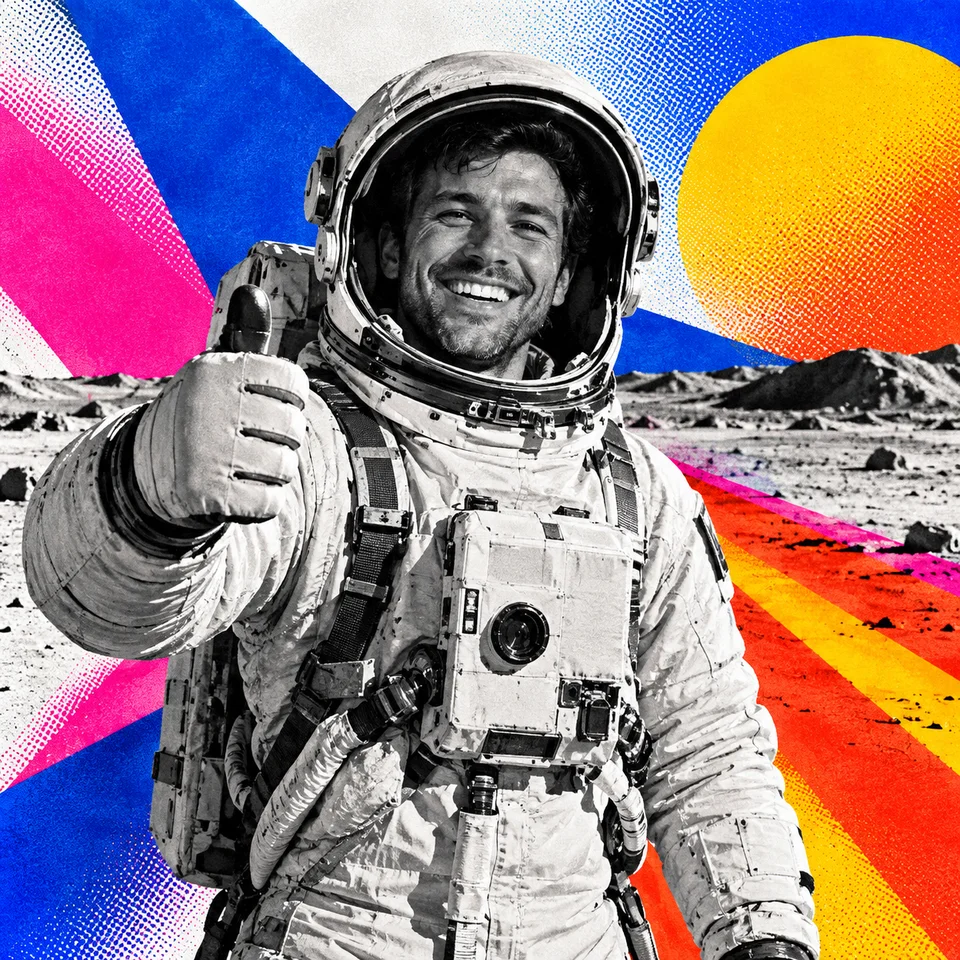 Astronaut
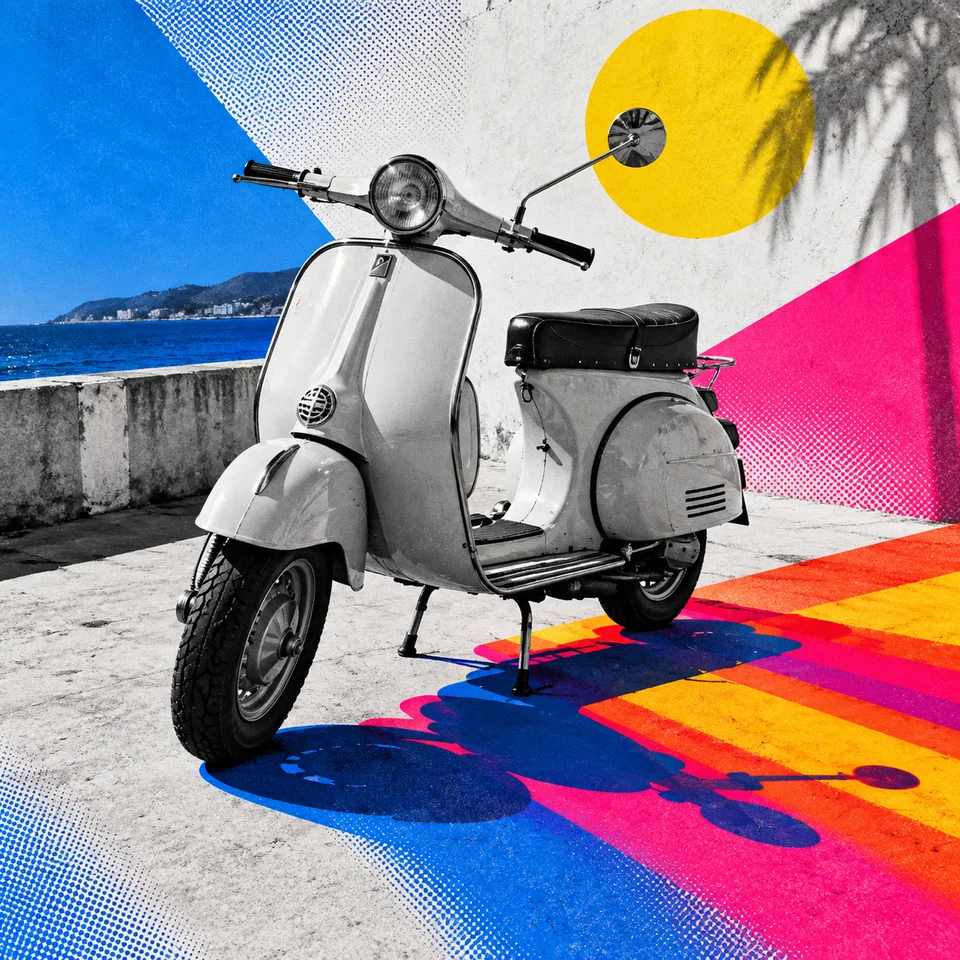 Scooter
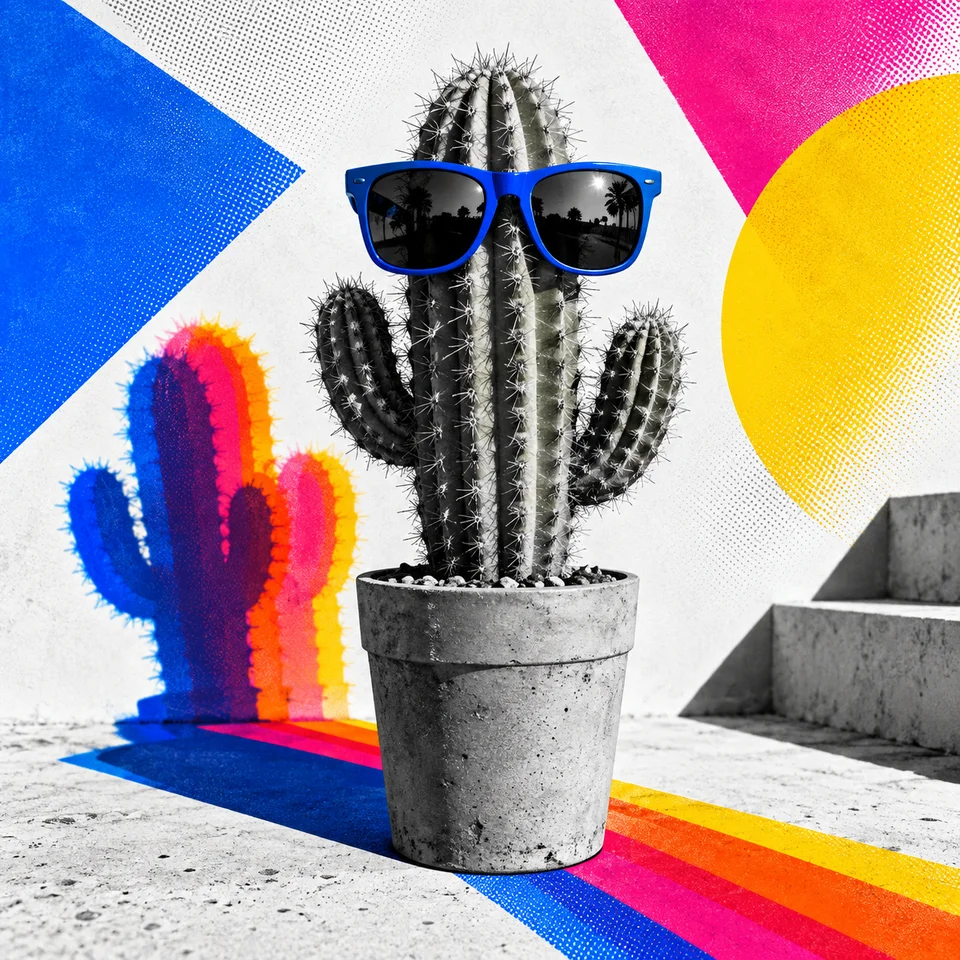 Cactus
 Developer
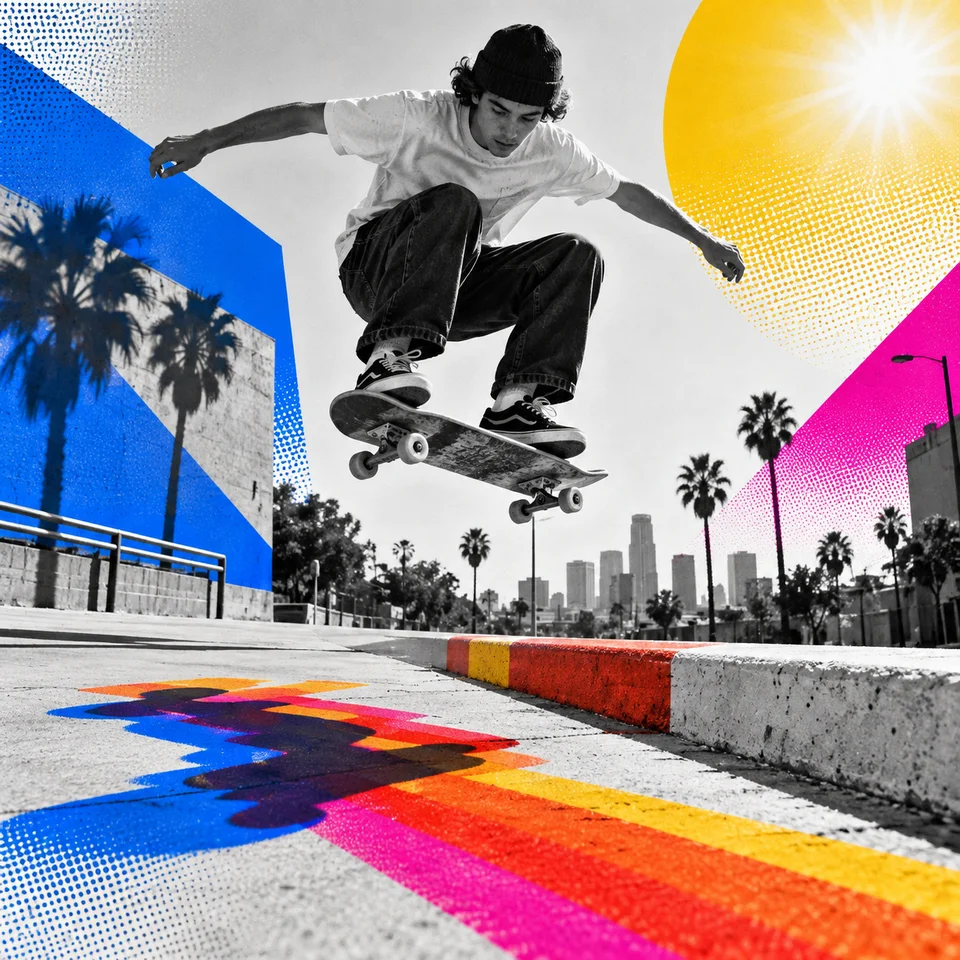 SkateboarderBarista
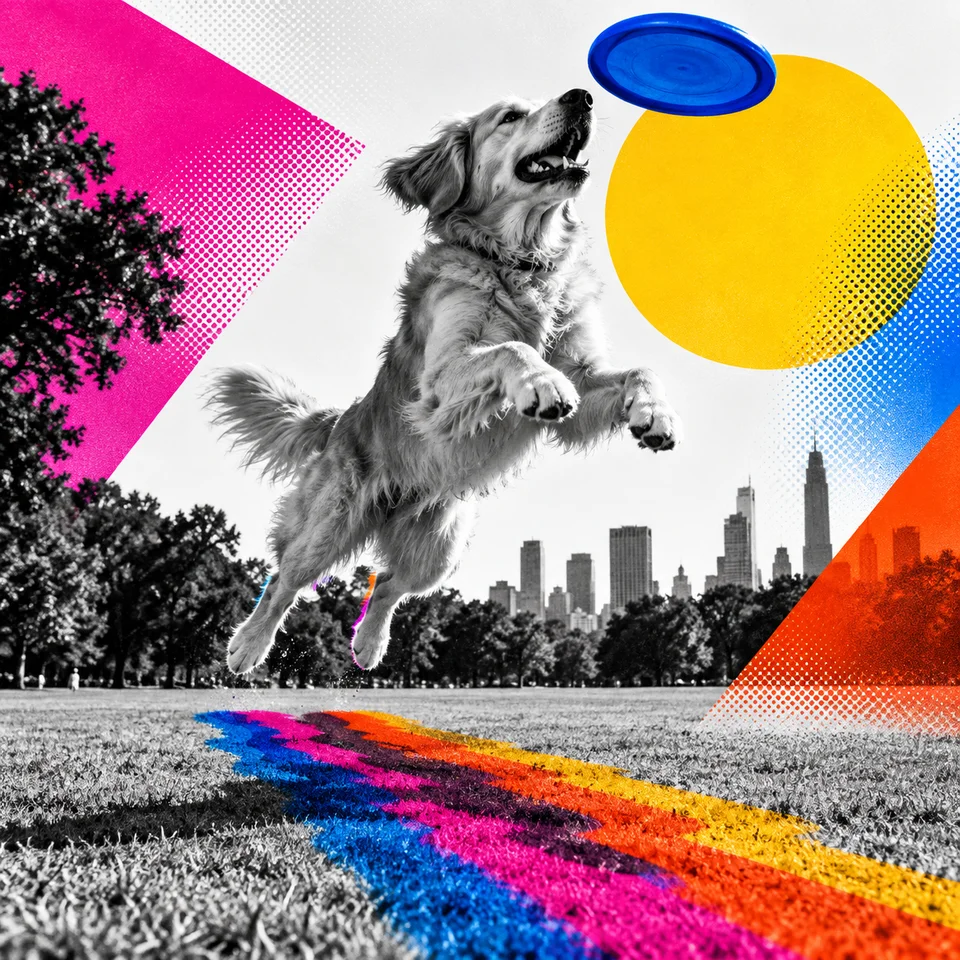 Frisbee dog
We asked Codex for GPT Image 2.5 every time. Its image tool doesn't say which model it used, and the files only say "gpt-image", so we can't prove it.
Copy the prompts
Here is the five-sentence prompt from the first test, exactly as Claude wrote it. Replace [SCENE] with your subject.
Render the scene's subject as a realistic black-and-white photograph converted entirely into grainy, irregular black stipple dots, like a gritty photocopy or rough halftone print rather than large, evenly spaced pop-art dots, with fine creases drawn as crisp black lines. Push contrast hard: shadows and dark areas fuse into large solid black masses, mid-tones exist only as dot density, and highlights are clean opaque near-white, never smooth grey and never the background colour showing through. Cut the subject out of its surroundings, keeping only elements essential to the scene, with a sharp silhouette whose soft or fibrous edges break into crisp individual black strands and no outline, border, glow or cast shadow. Set it on one flat, matte colour such as amber, mustard, sunflower yellow, apricot or sage green, so the whole image uses only black, near-white and that single colour. Show the subject large and close, filling most of the frame, cropped by the bottom edge and often bleeding off one side, with an open field of plain colour opposite; no horizon, floor, gradients, soft focus or text.
SCENE: [SCENE]
We tested it with GPT Image 2.5 through Paper. Other image models may read it differently, so try it on one subject before you rely on it.
And here is the four-sentence prompt from the second test, the one behind the twelve-subject grid.
Render the scene as a bold editorial photo-illustration with no lettering: a crisp, high-contrast black-and-white photograph under hard, bright directional light, with true blacks and clean whites, whose only colour is flat, fully saturated spot ink in cobalt blue, hot magenta, red-orange and golden yellow (occasionally sky blue), never natural colour or an all-over tint. Make cast shadows the main colour event: recolour them as flat ink silhouettes, often doubled or tripled with slight offsets in blue, magenta and orange, or stretched into side-by-side bands of magenta, orange, red and yellow that streak diagonally across the ground plane away from the light. Behind and around the subject, cut in large hard-edged geometric blocks, angled shards and smooth airbrushed gradients running from ink to ink or ink to white, some laid over the photograph like translucent film so the grey detail shows through, and optionally flood one or two chosen objects with a single ink while everything else stays grey. Give all colour a printed finish, with fine grain throughout and a visible halftone dot screen wherever gradients and shadow bands dissolve into white, and stage the subject at eye level near the centre with open space around it so the monochrome core reads first against colour pushed to the edges and background.
SCENE: [SCENE]
We rendered it through Codex's built-in image tool, asking for GPT Image 2.5.
Do it yourself
You don't need our setup to try the idea.
- Pick at least four images that share the style you want. Use your own, or images you're licensed to use.
- Give them to a chatbot that can read images. Ask for a style prompt that describes only how they look: marks, texture, light and shadow, colour and crop. Ask it to leave out everything the images show, and to end with a slot for the subject.
- Test the prompt on a neutral subject, like a teapot, before you trust it. If the teapot picks up things from the references, the prompt is leaking content.
- Swap in your real subjects and keep the prompt fixed.
- Make the pictures with Codex's built-in image tool. Paper's generator faded ours at the edges.
Limits
- Models change. A prompt that works today may drift after a model update.
- One prompt keeps a style, not a character. It won't keep the same face across shots.
- Most of our first-test prompts lost the background. Seven of eight did through Paper, and four through Codex. We're testing a fix that describes the background as part of the picture, and we'll only switch once it holds on other kinds of reference too.
- We can't confirm Codex's image model. We ask for GPT Image 2.5, but the tool doesn't report which model it used.
- Rights. Use your own references, or ones you're licensed to use.
Claude writes the prompt. Codex makes the images.
“From a design eye, the conclusion is Claude for creating the prompt and GPT Image 2.5 for rendering it.”
Simon Bloom
Simon puts it in numbers. When GPT wrote the prompt, the results were 95% of what was required. When Claude wrote it, they were 99%. GPT Image 2.5 drew the first test through Paper. For the second, we asked Codex for GPT Image 2.5, though its tool doesn't confirm the model.
The second test is why Codex is in that line. Paper's generator faded every picture at the edges. Codex's image tool gave us solid, full-frame pictures, 96 out of 96. It helped the first test too. Through Codex, four of the first test's eight prompts kept the yellow background, against one through Paper.
Claude didn't always bring back the yellow background. Through Paper, seven of its eight prompts lost it. But the one that kept it was consistently better, and its adherence to the original style was far superior. That's why we run eight different methods, not one.
This is a designer's judgment, not a benchmark. Sometimes GPT will write the better prompt, so it's worth trying both.
Next, GPT Image 2.5 renders the eight prompts GPT wrote from the same five images. We'll add them here next to Claude's.
Watch the full run
Video walkthrough · Added when the video is live