Not just a plain old thank-you
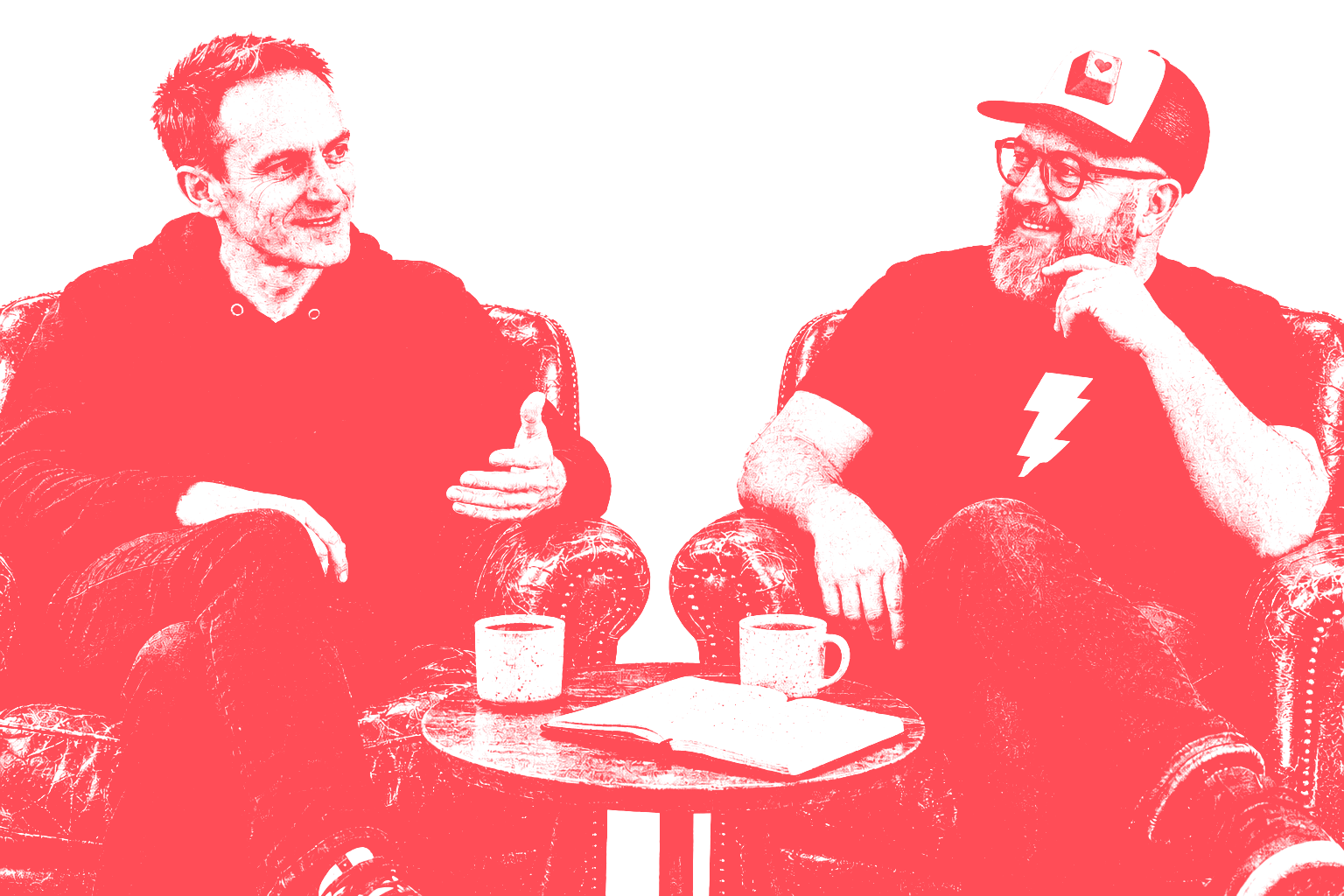
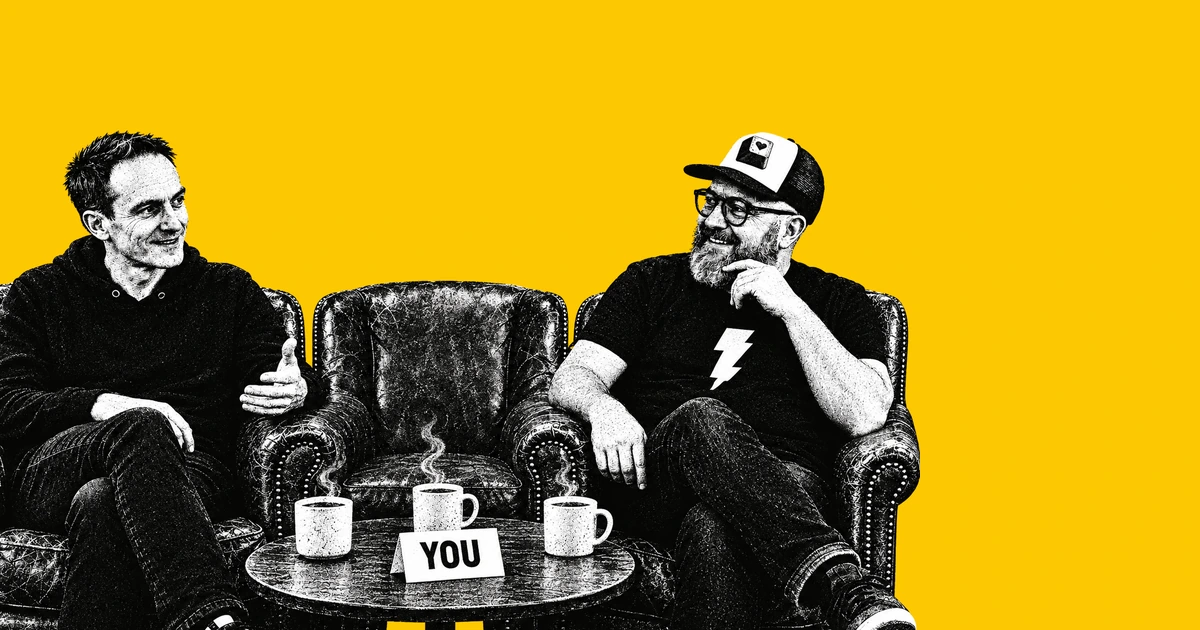
Most thank-you emails say thanks and stop. Ours hands you a present too: a prompt that puts you in a picture with Gary and me, with a coffee of your own.
It’s a little Easter egg. We’re a team of two, and we wanted new readers to feel part of it from the first email, even if only in a drawing. And AI isn’t only for building big, complex apps. It can spark a little joy.
“I’ve had an awesome idea”
On 13 October I asked Claude to design our welcome email in Paper. The first draft offered the style prompt from Article 01. Then I had a better idea. The prompt would ask for the reader’s photo, then:
“Put them in a chair between us and move Simon and Gary slightly aside so there’s room for them. Make sure that they also get a cup of coffee and look happy to be there.”
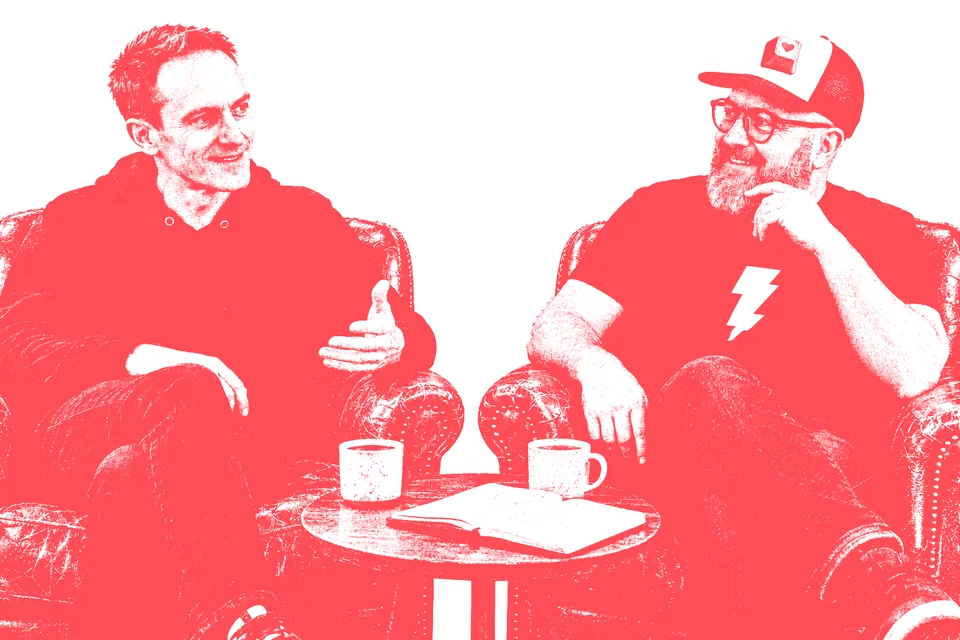
The picture is our coral drawing of Gary and me in two armchairs, from our pricing page. Article 08 explains how our coral pictures are made.
How the prompt was made
Claude wrote the prompt and tested it, without a real reader’s photo. It described three made-up testers for Codex to generate, then ran each version through Codex from a script, playing the reader. Four things changed along the way.
Host the picture. Claude’s first plan had readers save our picture from the email and upload it. I asked for something simpler:
“They shouldn’t have to download the armchair picture from the email link. You could just put a URL to the picture, so it means hosting the picture ourselves for them to use so that the URL can be in the prompt.”
So we host the picture on our own site, and the prompt carries its link.
Plan for the link failing. It did, every time. Codex said it couldn’t open the link and asked for our picture instead. So the email has a yellow “Save our picture” button.
Crop, don’t shrink. The prompt asks Codex to slide Gary and me apart to make room. Early renders did that by shrinking us. One phrase fixed it: “letting the edges crop them a little rather than shrinking them”.
 Round 1 · we shrink
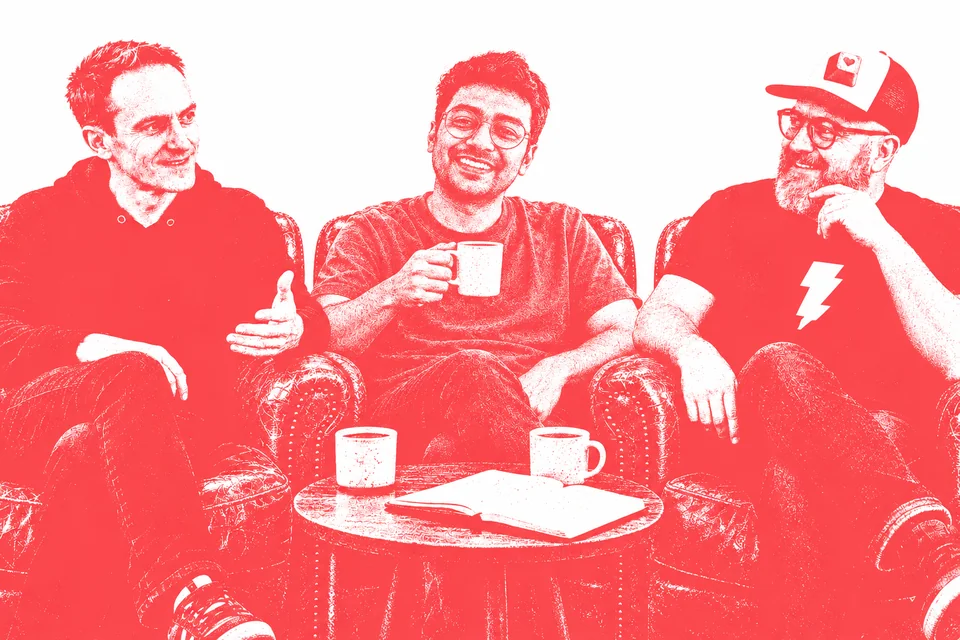 Round 3 · the edges crop
Ask for the photo first. Early versions expected your photo attached already. I wanted a conversation:
“Once you run the prompt it should ask the user to either paste an image of themselves into chat or upload a picture of themselves to chat.”
Now you paste the prompt with nothing attached, and Codex asks for your photo. I also asked for the email to say it’s made for Codex, because GPT Image 2.5 is built in. It’s the model we use for our own pictures.
The prompt
Here it is, word for word, as it appears in the email. To try it:
- Open Codex and paste this prompt.
- When it asks, paste or drop in a photo of you.
- If it says it can’t open the link, save our picture and drop that in too.
I'd love you to put me in a picture with Gary and Simon from I Love Vibe Coding. Here's their picture: https://ilovevibecoding.com/welcome/armchairs.png

Step 1. Don't make anything yet. Reply with one short, friendly line asking me to paste or upload a photo of myself into this chat. If you can't open the link above, ask me to upload that picture too.

Step 2. Once you have my photo, put me in a third armchair in the middle, just behind the little round table. Slide Gary (left, hoodie) and Simon (right, cap, glasses and beard) slightly apart to make room, letting the edges crop them a little rather than shrinking them, and keep their faces, clothes, poses and cups exactly as they are. Give me a cup of coffee and a happy, relaxed smile, like I'm glad to be there. Keep me recognisably me.

Match the drawing exactly: one coral-red ink on plain white, built from the same gritty stipple grain, so I look as if I was always in it, not pasted in. Keep the framing, table, notebook and mood, at the same 3:2 shape or slightly wider. No text, logos or extra people.Here’s one we made earlier
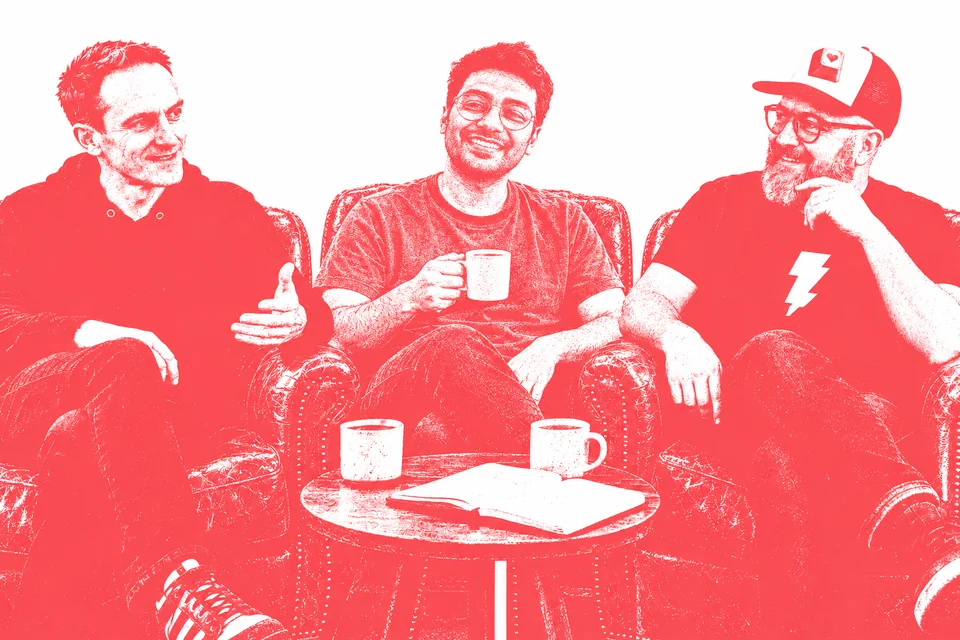
This is Maya. She isn’t real. Claude described her, and Codex generated her selfie for testing. Here she is before and after the final prompt:
 Our made-up tester
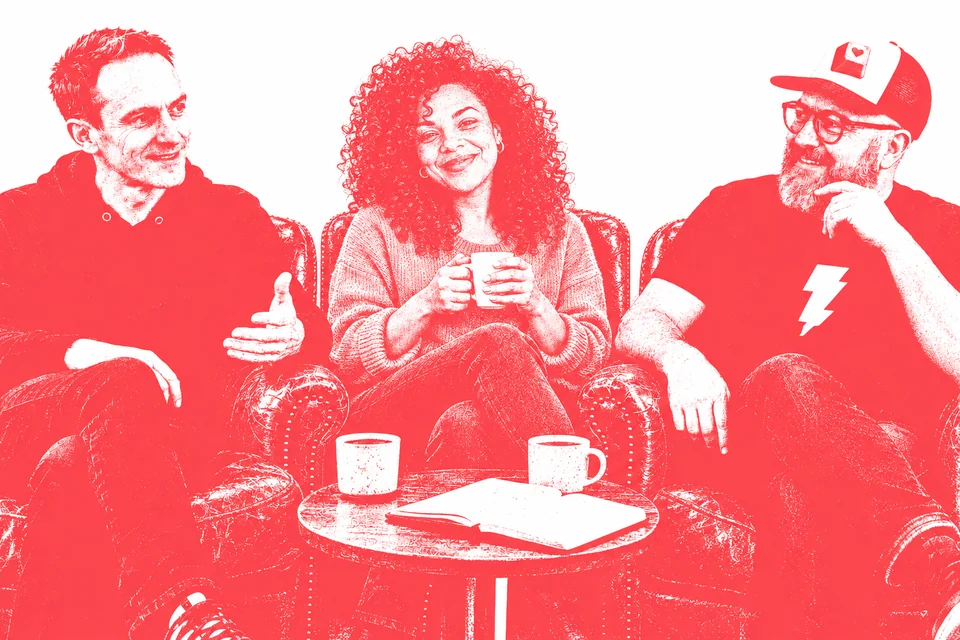 After the prompt
The email around it
Claude built the welcome email in Paper, and I art-directed it. It opens with the armchairs picture and a thank-you from both of us, then the prompt, the button and the example. Every word, the prompt included, is real text rather than a picture.
We send through Kit, which also runs our newsletter signup, and the welcome email is being built there now for new subscribers. Sign up on the site and you land on our welcome page, with the same prompt and a Copy button.
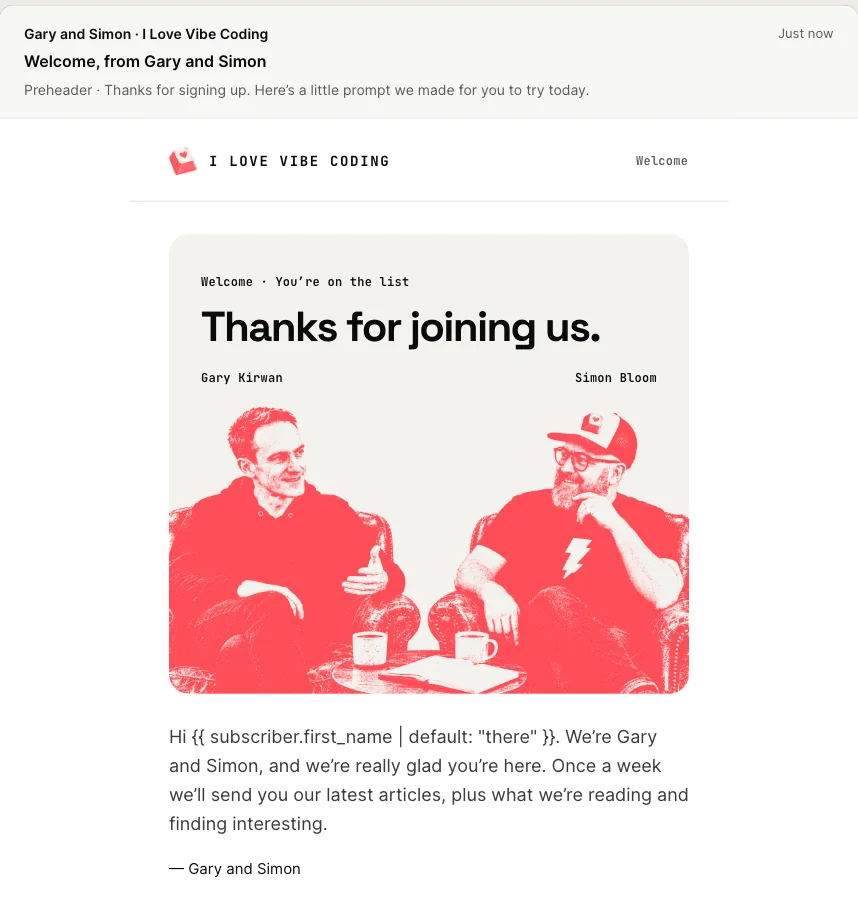 The welcome
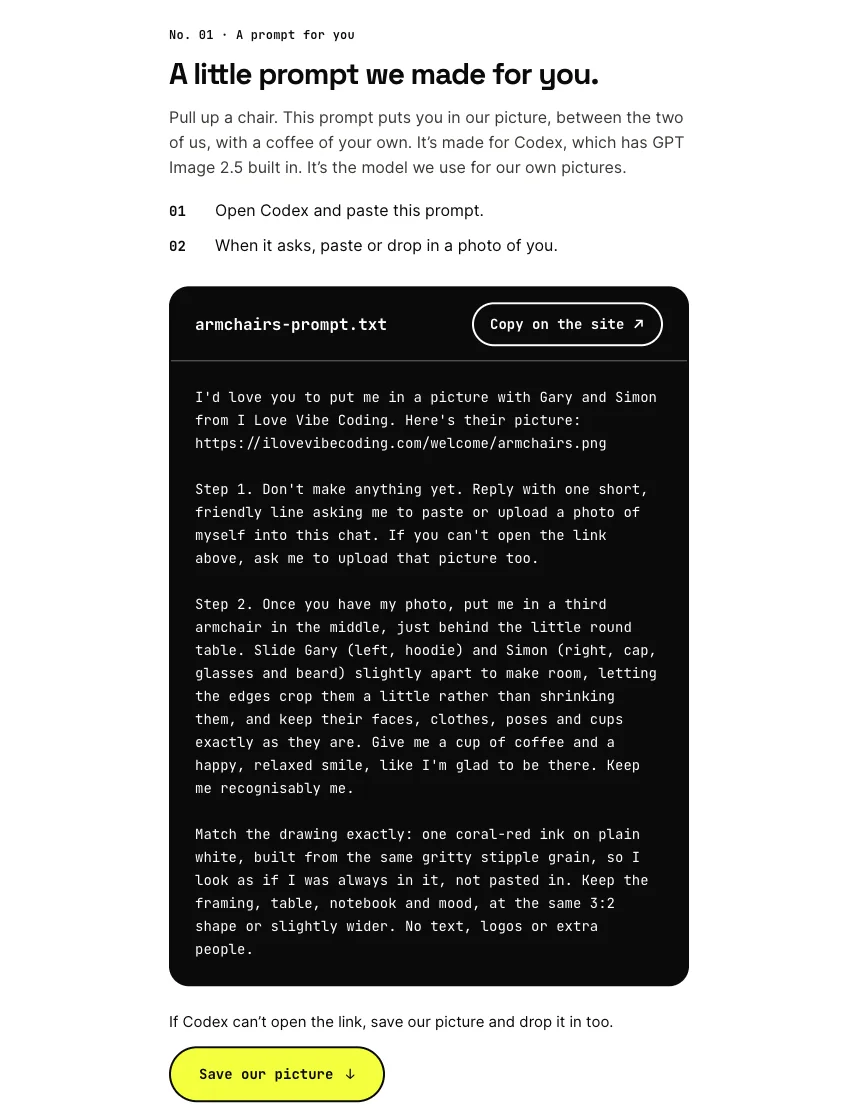 The prompt
What worked and what didn’t
- All 10 test renders seated the tester. Each put them in the middle chair with a coffee, in the same coral ink.
- No photo, no picture. In all six tests without one, Codex asked for a photo and made nothing.
- The link never opened , in any of the seven tests that tried it. Hence the button.
- The first reply is a bit plain. “Please paste or upload a photo of yourself here, and upload Gary and Simon’s picture too…” We left it.
- Not tested: ChatGPT and other image apps. We made and tested the prompt for Codex, but you can also try it in ChatGPT or another image AI that accepts uploads.
Come and have a coffee
The picture is a bit of fun, but if you’re local, we’d love to have a coffee with you for real. Say hello to Gary or me on LinkedIn.
For regular time with us, our Community + Gary and Simon package includes a monthly 60-minute one-to-one. Booking opens with membership.
Get the next experiment in your inbox.